YouTube RSS Feed URL for Any Channel (and When It Fails)
The YouTube RSS feed URL format, how to find a channel ID, why feeds return 404, and how to get new uploads by email or push instead.
Short answer: a channel's feed is https://www.youtube.com/feeds/videos.xml?channel_id=CHANNEL_ID. The ID starts with UC. On the channel page, open the description (the "more" link), click Share channel, then Copy channel ID. If the feed 404s or you'd rather get uploads by push or email, use an AyeWatch YouTube monitor with the channel link.
YouTube RSS URLs
| Feed | URL |
|---|---|
| Channel uploads | https://www.youtube.com/feeds/videos.xml?channel_id=UC... |
| Playlist | https://www.youtube.com/feeds/videos.xml?playlist_id=PL... |
Why the feed fails
- You used the @handle or a custom URL. The feed needs the
UC…channel ID. - The feed mixes Shorts, lives and videos with no way to pick.
- Feeds sometimes return errors for hours, and your reader just goes quiet.
- No keyword filter.
The alert version
- Open Create a monitor → YouTube. Channel videos is the default.
- Paste the channel link, like
https://www.youtube.com/@mkbhd. No channel ID needed. - Pick how often to check and click Create monitor.
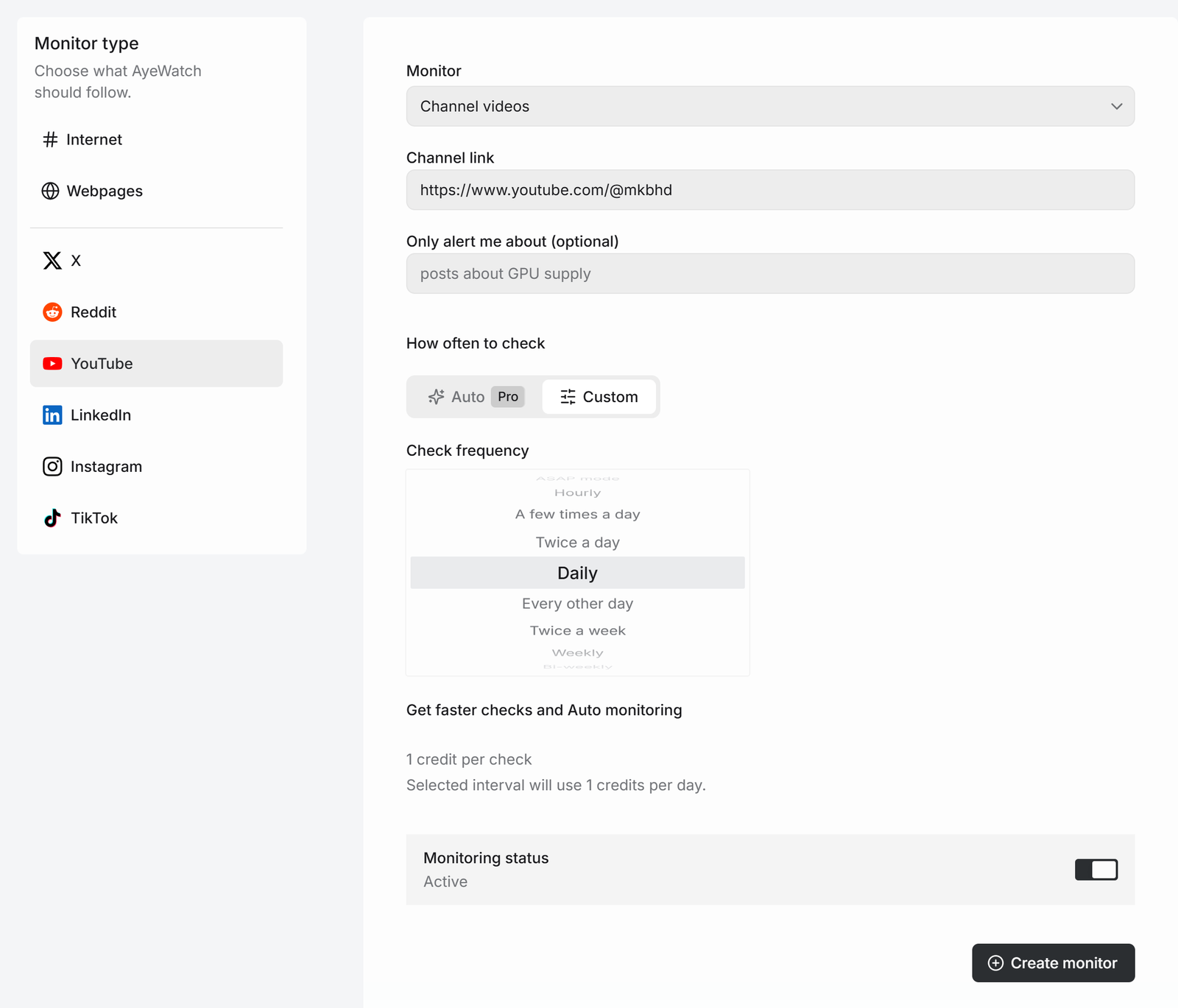
Want only Shorts, only live streams or only community posts? Pick that mode instead. See Shorts and live alerts.
What you get
The first check saves the current posts as a starting point, so you are not flooded with old ones. After that, every check that finds something new sends one alert. The headline is the post itself, or "3 new from …" when several land at once, with a link to each post and its text.
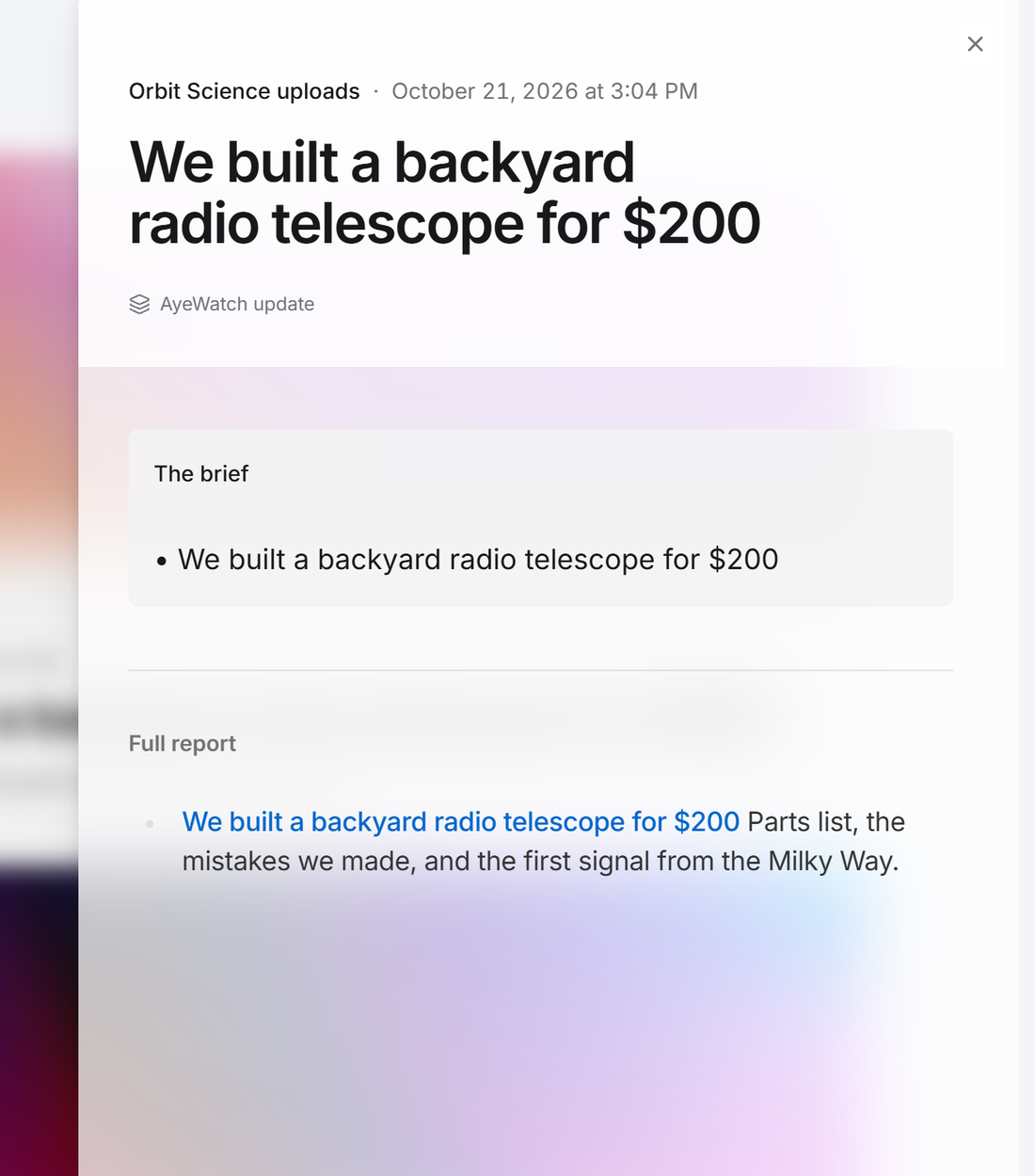
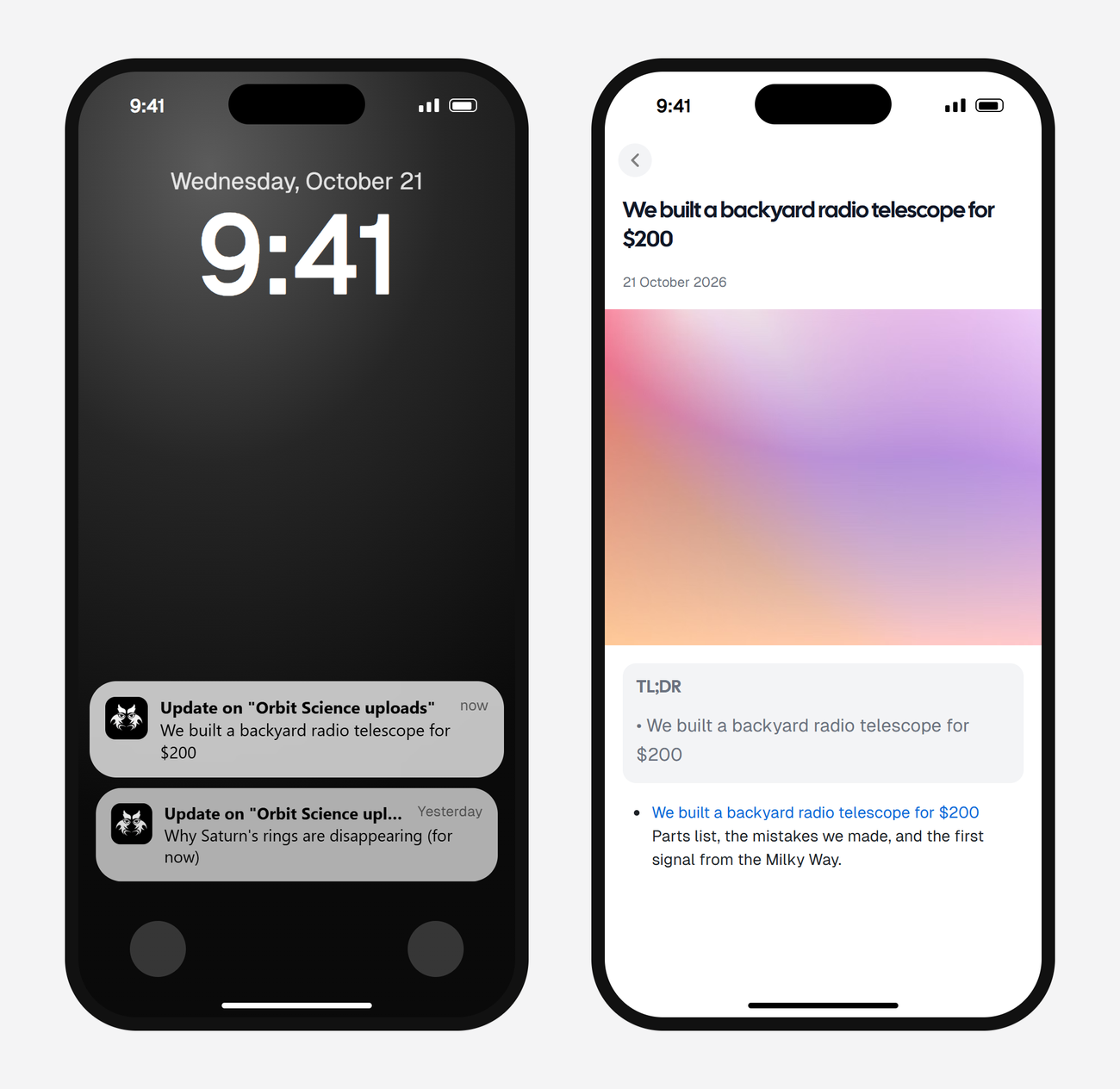
Alerts land in your feed and as push in the AyeWatch iOS and Android app. On Pro and Pro+ you can also turn on email, Slack, or a webhook.
What it costs
Channel videos is 1 credit a check.
| Check every | Credits a day | Plan that fits |
|---|---|---|
| Daily | 1 | Free Preview to try it, then Pro |
| A few times a day | 4 | Pro |
| Hourly | 24 | Pro+ |
Plans: Free Preview gives you 3 credits to try a monitor on a daily check. Pro is $9 a month for 500 credits and checks as often as hourly. Pro+ is $19 a month for 1,500 credits and adds ASAP mode. Failed checks are refunded, and the form shows the exact daily credit use before you save.
FAQ
How do I find a YouTube channel ID?
On the channel page, open the description, click Share channel, then Copy channel ID. It starts with UC.
Does the YouTube RSS feed include Shorts?
Yes, mixed in with videos. AyeWatch has separate modes for videos, Shorts and live streams.
Does AyeWatch give me an RSS feed?
No. It sends alerts to your feed, the app, email, Slack or a webhook.