How to Get Notified When a YouTube Channel Goes Live
Get a push, email or Slack alert when a YouTube channel starts or schedules a live stream, without relying on the YouTube bell.
Short answer: subscribe, tap the bell and pick "All". If those notifications don't arrive, and for many people they don't, create a YouTube live streams monitor in AyeWatch. You get an alert when a new stream shows up on the channel's Live tab.
Set it up
- Open Create a monitor → YouTube.
- In Monitor, choose Live streams.
- Paste the channel link, like
https://www.youtube.com/@NASA./channel/UC…links work too. - Pick how often to check and click Create monitor.
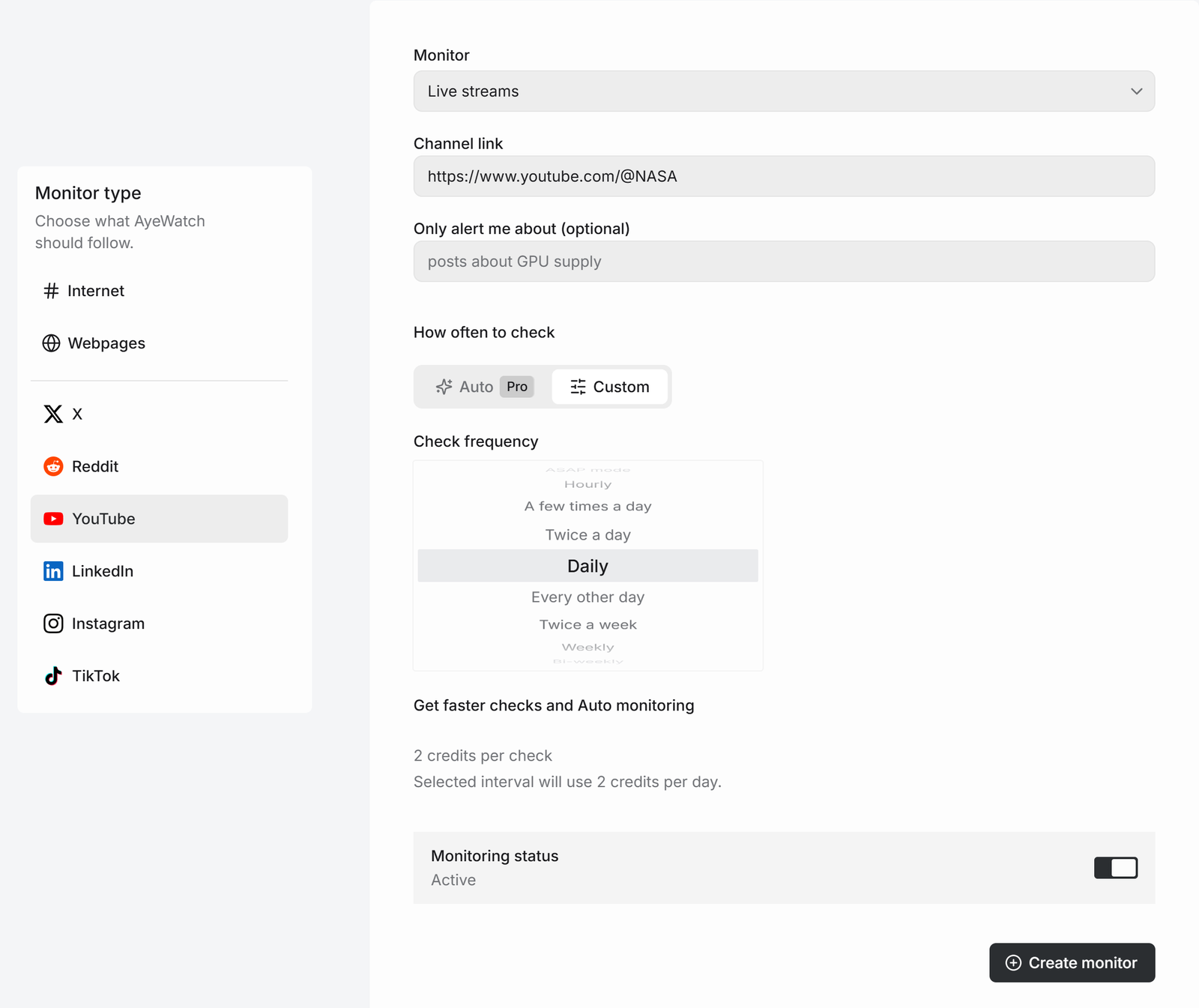
Channels that schedule streams usually list them on the Live tab ahead of time, which gives you a head start.
Other YouTube modes
| Mode | Alerts on | Credits per check |
|---|---|---|
| Live streams | New streams | 2 |
| Channel videos | New uploads | 1 |
| Shorts | New Shorts | 2 |
| Community posts | New community posts | 2 |
| Search | New videos uploaded today that match words | 1 |
More on uploads in get alerts for new YouTube uploads.
What you get
The first check saves the current posts as a starting point, so you are not flooded with old ones. After that, every check that finds something new sends one alert. The headline is the post itself, or "3 new from …" when several land at once, with a link to each post and its text.
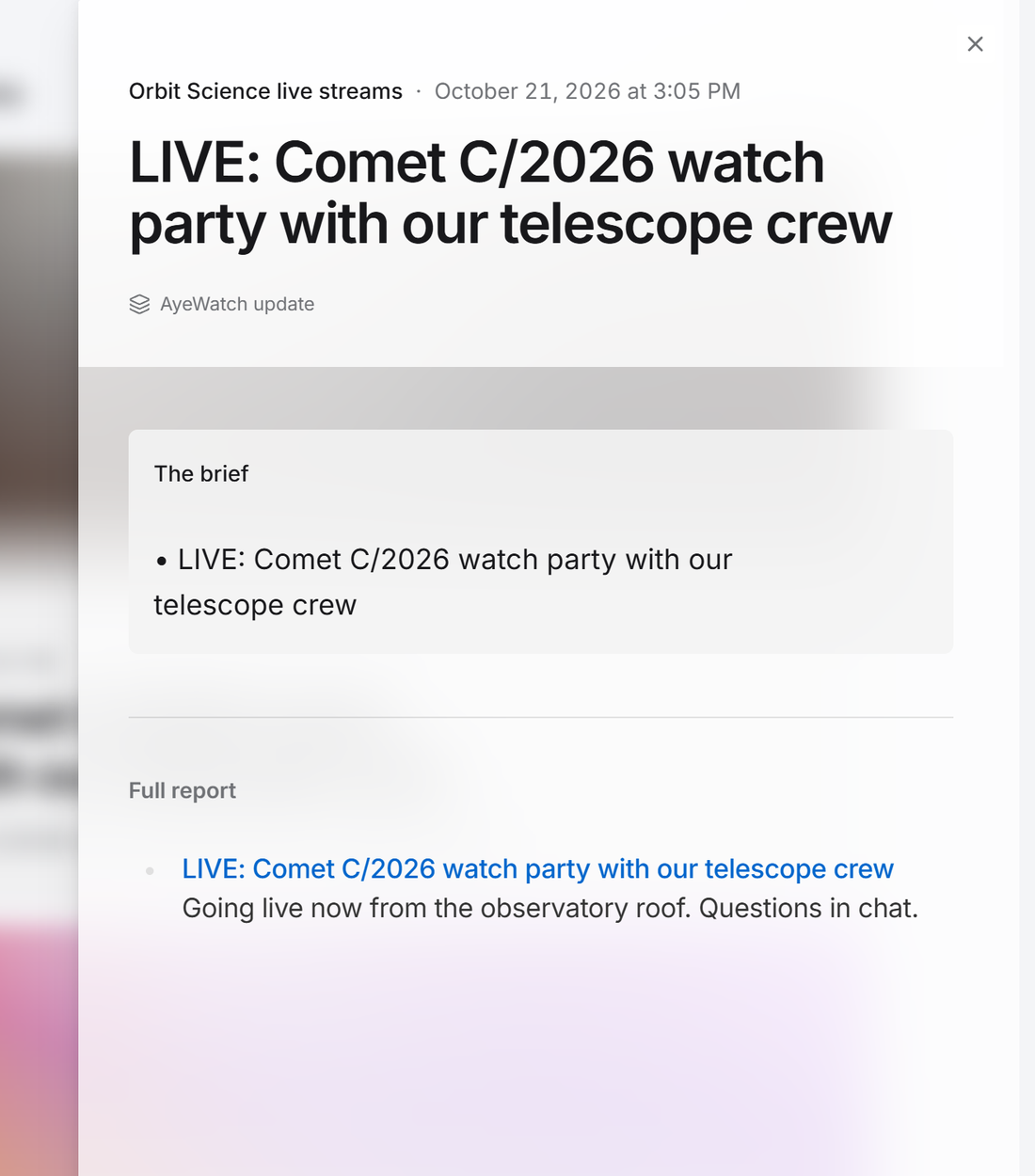
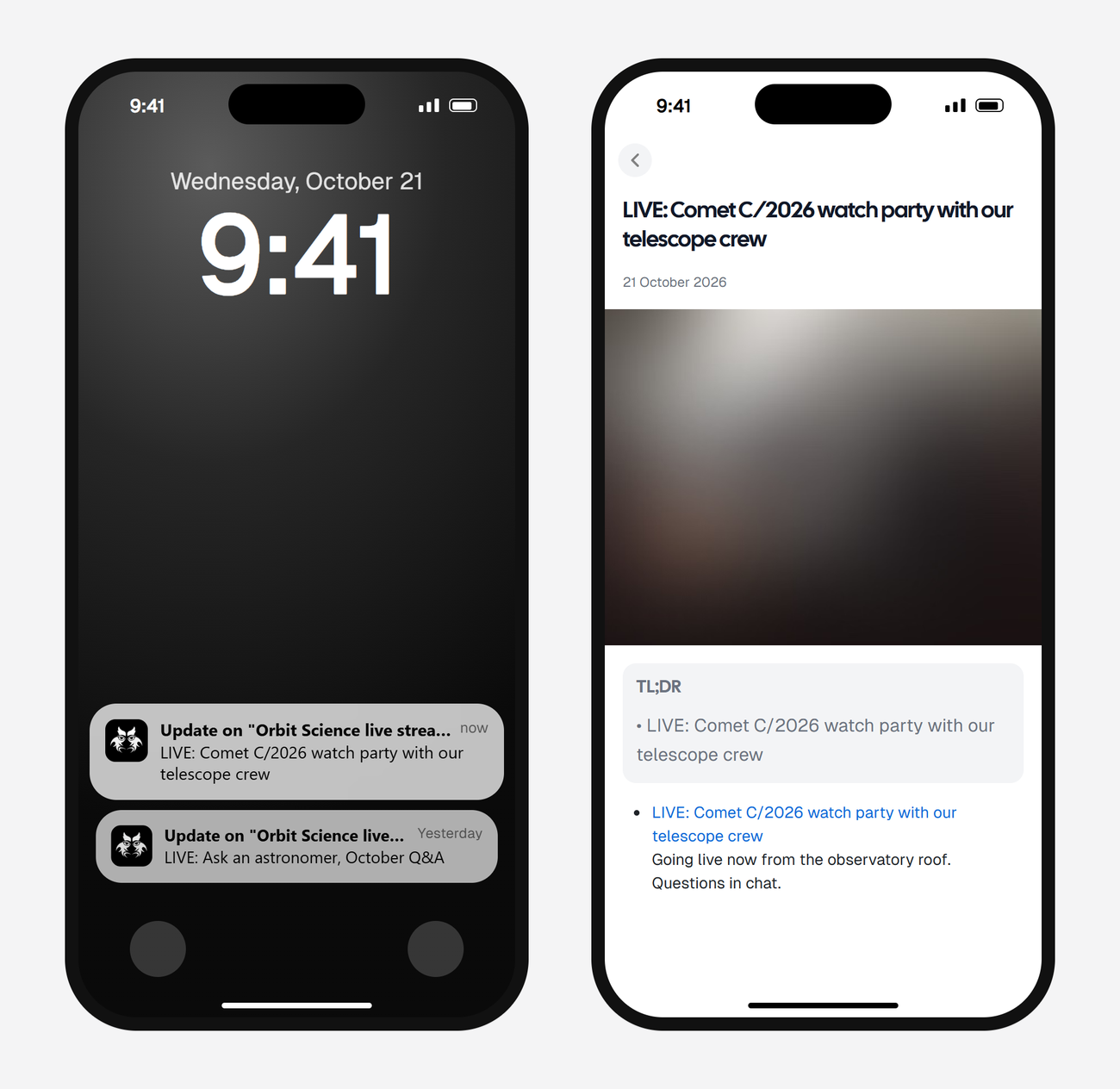
Alerts land in your feed and as push in the AyeWatch iOS and Android app. On Pro and Pro+ you can also turn on email, Slack, or a webhook.
Get alerts when a channel goes live
Free Preview includes 3 credits to try it. No card.
Set it up nowWhat it costs
Live streams use 2 credits a check. Hourly is 48 credits a day, a fit for Pro+. A few times a day is 8 credits a day, a fit for Pro. If you need it fast, choose hourly. Daily is too slow for a stream.
Plans: Free Preview gives you 3 credits to try a monitor on a daily check. Pro is $9 a month for 500 credits and checks as often as hourly. Pro+ is $19 a month for 1,500 credits and adds ASAP mode. Failed checks are refunded, and the form shows the exact daily credit use before you save.
FAQ
Why aren't my YouTube notifications working?
YouTube can hold back bell notifications based on your activity and device settings. A monitor checks the channel on a schedule you pick and alerts you itself.
Do I need to subscribe to the channel?
No. AyeWatch reads the channel's public Live tab.
Can I get YouTube alerts by email?
Yes, on Pro and Pro+. Free Preview delivers to the feed and the mobile app.