Company posts
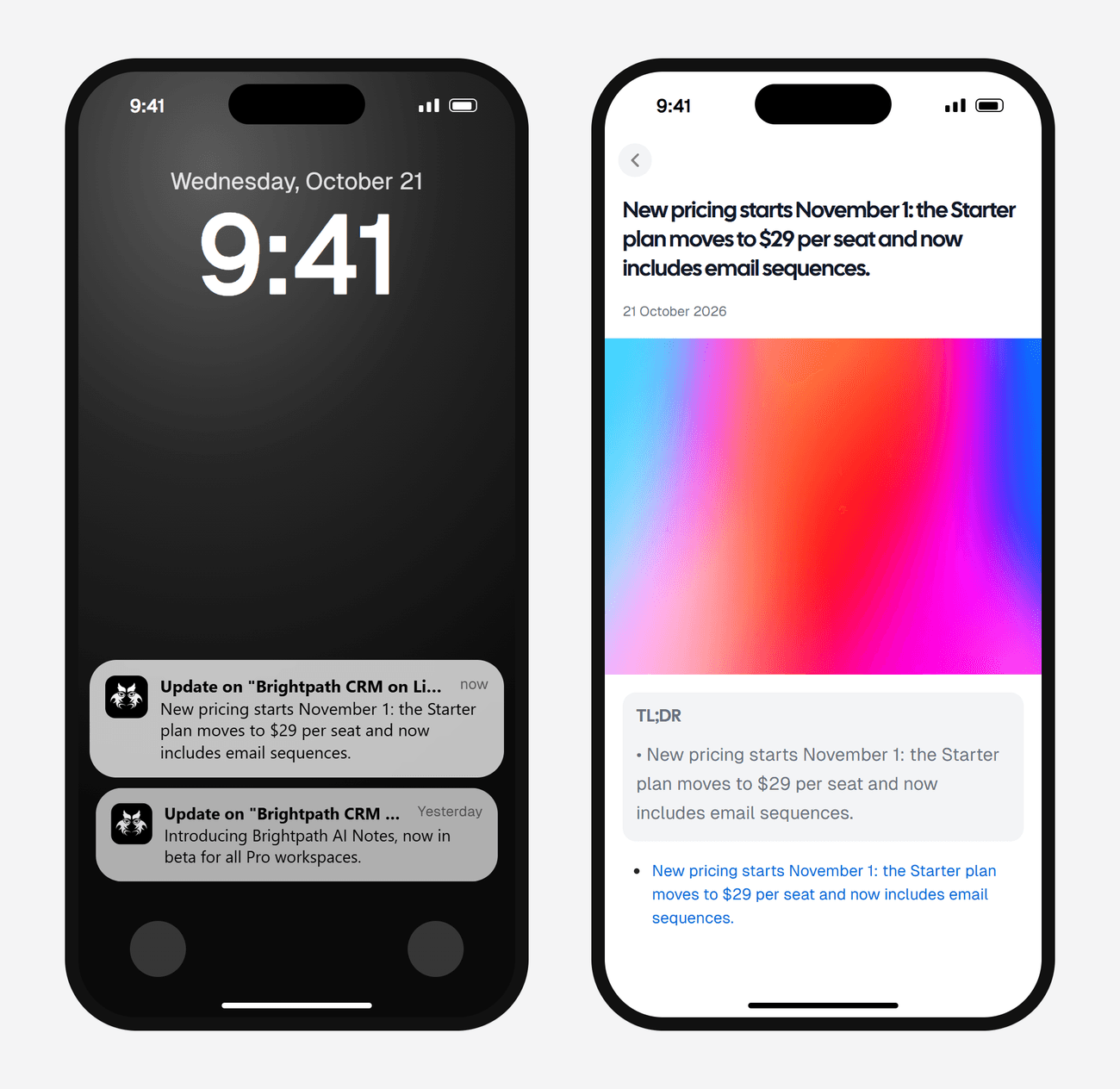
2 credits a checkNew posts from a company page, like a competitor's launch or pricing news.
https://www.linkedin.com/company/brightpath-crm/Read the guideFor LinkedIn
Monitor a company page, a person's posts, a LinkedIn post search, or new job listings. One monitor each, instead of scrolling the feed.

01 / 05Your LinkedIn updates
Web, iOS, and Android · 3 free checks across up to 3 topics
WHAT YOU CAN MONITOR
A company page, one person's posts, a search across LinkedIn posts, or new jobs. No LinkedIn login.
New posts from a company page, like a competitor's launch or pricing news.
https://www.linkedin.com/company/brightpath-crm/Read the guideNew posts from one person. It starts on a daily check, because each read costs more.
https://www.linkedin.com/in/dana-whitfield/Read the guidePosts from the last day that match a search, like funding news or people asking for a vendor.
"series A" fintechRead the guideNew listings for a job title, and a location if you want one, posted in the last 24 hours.
Product designer · RemoteRead the guideAdd Only alert me about to any source and AI reads each new post, alerting you only on the ones that match. It adds 1 credit a check.
WHAT YOU GET
Each update has the post's text and a link to it on LinkedIn. Job alerts link to each new listing.
WHAT PEOPLE USE IT FOR
A competitor's company page, filtered to launches and pricing changes.
An executive, an investor or a prospect, checked once a day.
Post search for "series A" or "looking for an agency".
Listings for one title and place, so you can apply early.
SET IT UP
Open Create a monitor, choose LinkedIn, then Company posts, Person posts, Post search or Jobs.
Companies and people take the full linkedin.com link. Jobs take a title and an optional location.
Use Auto, or a fixed schedule from daily up to ASAP mode on Pro+. Alerts land in your feed and the AyeWatch app, and on paid plans in email, Slack or a webhook.
Push notifications and your feed on every plan. Paid plans add email, Slack, Discord, and webhooks.
MONITORING SPEED
Stay close to an urgent topic. Check a quieter one less often. Each monitor has its own schedule.
LET AYEWATCH DECIDE
Checks more often while a topic is busy and slows down when it goes quiet. You can see why it chose a pace on each topic.
Daily and slower on Free Preview.
CHOOSE YOUR SCHEDULE
Pick your own frequency, from ASAP mode to once a year. Your plan sets the fastest interval you can choose.
Daily and slower on Free Preview.
GOOD TO KNOW
Start free, or start on a paid plan for just $2.99.
3 free runs across up to 3 topics. No credit card required. Cancel a paid plan anytime.
No. AyeWatch does the reading, so your LinkedIn account is never used.
Reading a person's full posts costs more than other LinkedIn sources, so the mode uses more credits a check and starts on a daily check.
Yes. Jobs takes a title and an optional location, like Product designer and Remote, and alerts on listings posted in the last 24 hours.
The first check sends up to 5 of the latest posts, or only the ones that match your filter, so you can see the monitor work. After that you only hear about new posts.
Jobs uses 1 credit a check. Company posts and Post search use 2 credits a check. Person posts uses 8 credits a check. Only alert me about adds 1 credit. Free Preview includes 3 credits to try it, with no card. Paid plans add more credits and faster checks.
Tell AyeWatch what matters. Come back to the updates.
Start free preview3 lifetime runs. Up to 3 topics. No credit card.