How to Get Notified When Someone Posts on TikTok
Get an alert when a TikTok account posts a new video, even if you don't follow it. Setup takes a minute and works by push, email or Slack.
Short answer: TikTok's own post notifications only cover accounts you follow, arrive inside the app, and are easy to miss. To get a reliable alert for every new video from an account, by push, email or Slack, create a TikTok profile monitor in AyeWatch.
Set it up
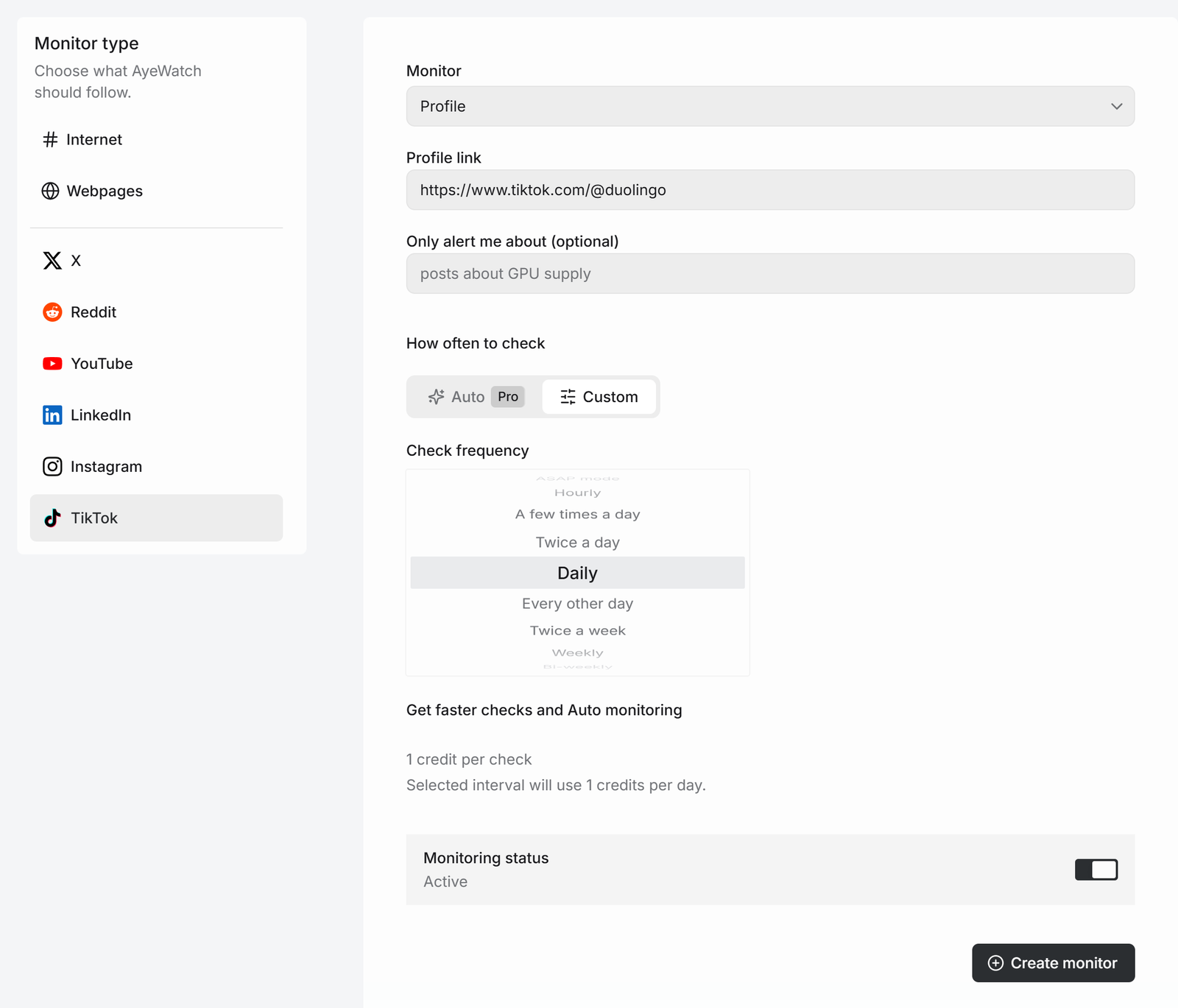
- Open Create a monitor → TikTok.
- In Monitor, choose Profile.
- Paste the profile link, like
https://www.tiktok.com/@duolingo. It has to be a link, not just the username. - Optional: add Only alert me about, like "videos announcing a giveaway or a product drop".
- Pick how often to check and click Create monitor.
What you get
The first check saves the current posts as a starting point, so you are not flooded with old ones. After that, every check that finds something new sends one alert. The headline is the post itself, or "3 new from …" when several land at once, with a link to each post and its text.
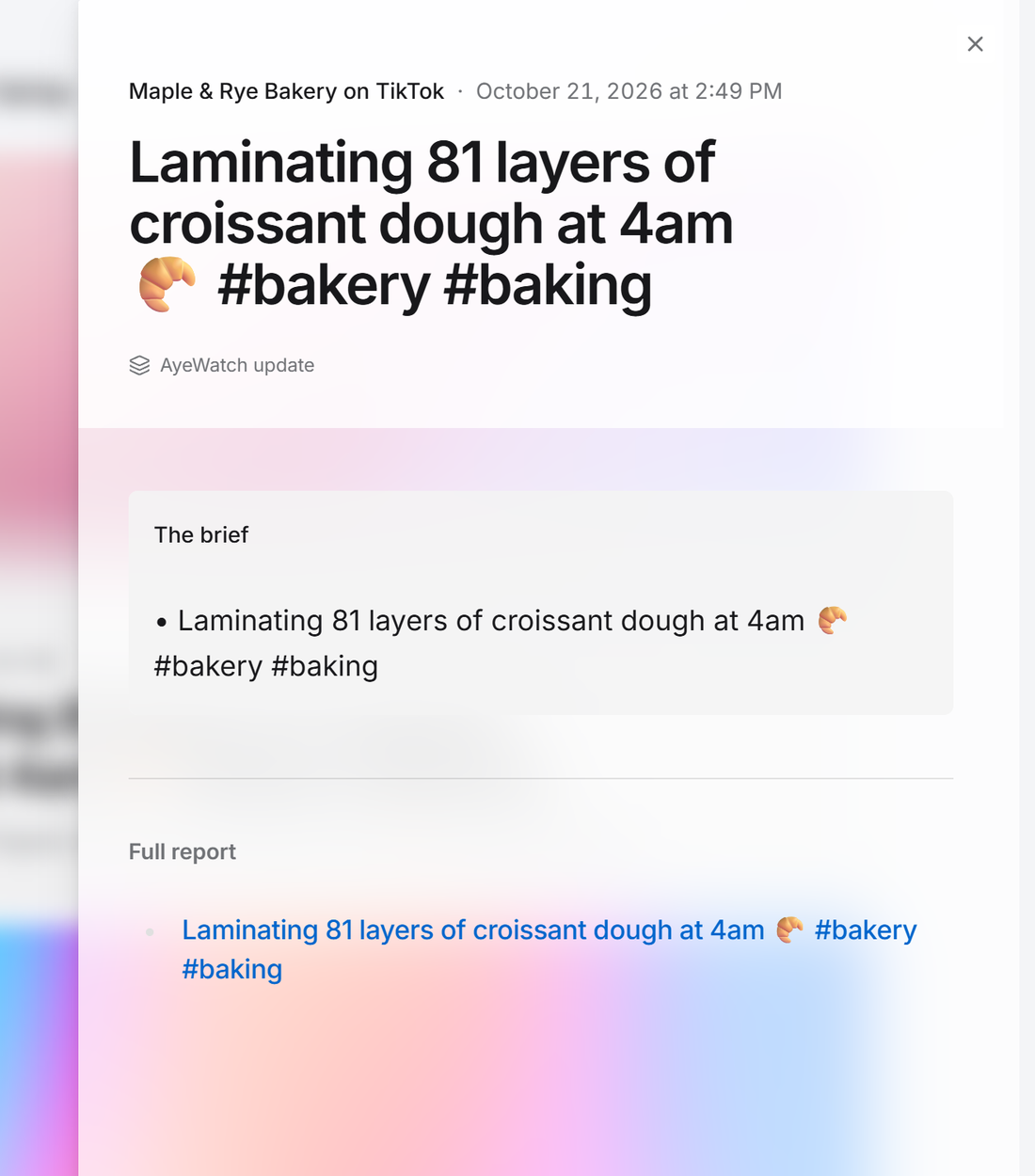
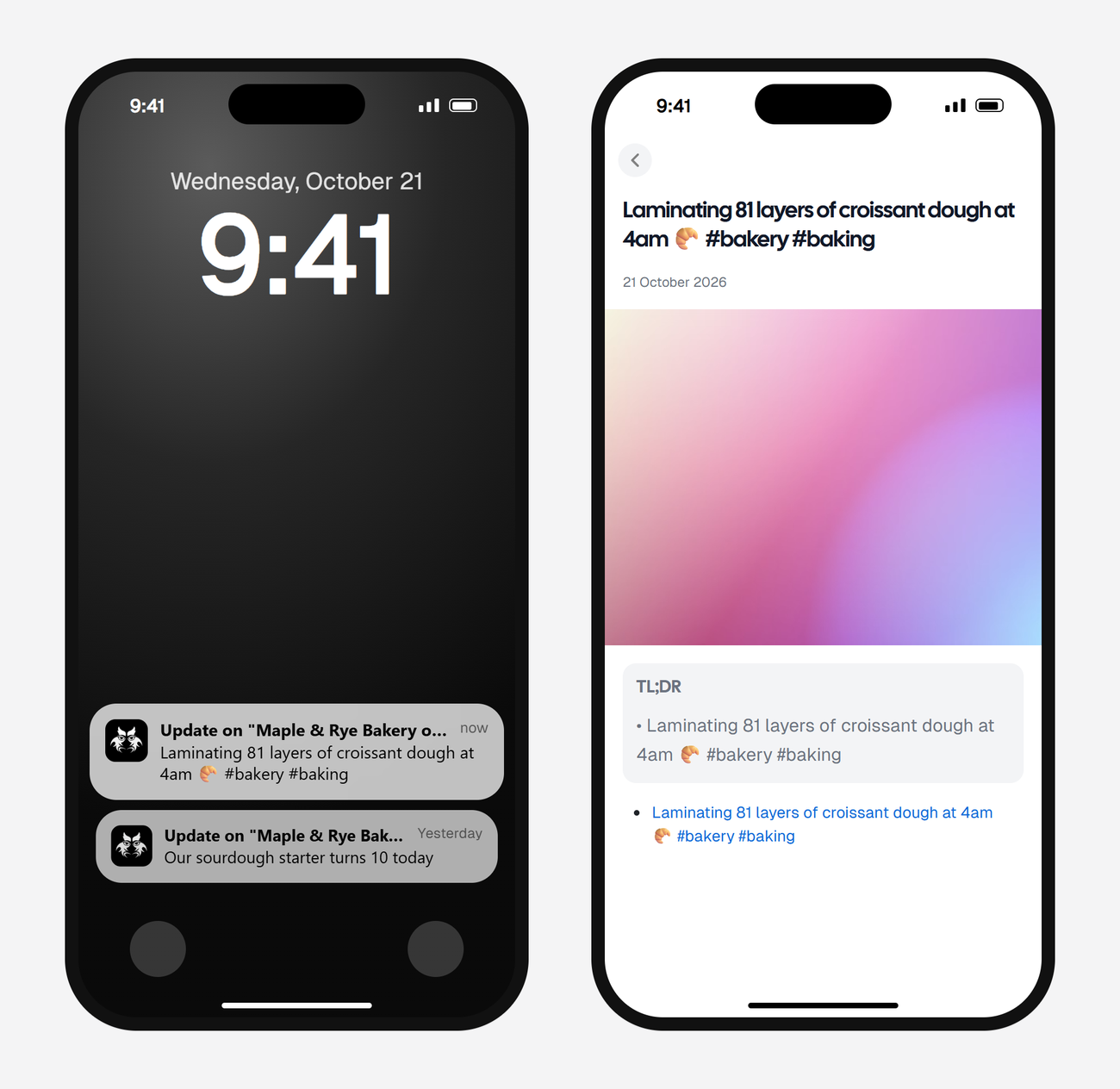
Alerts land in your feed and as push in the AyeWatch iOS and Android app. On Pro and Pro+ you can also turn on email, Slack, or a webhook.
What it costs
A TikTok profile check uses 1 credit, so it is one of the cheapest sources.
| Check every | Credits a day | Plan that fits |
|---|---|---|
| Daily | 1 | Free Preview, to try it |
| A few times a day | 4 | Pro, for several accounts |
| Hourly | 24 | Pro+ |
Plans: Free Preview gives you 3 credits to try a monitor on a daily check. Pro is $9 a month for 500 credits and checks as often as hourly. Pro+ is $19 a month for 1,500 credits and adds ASAP mode. Failed checks are refunded, and the form shows the exact daily credit use before you save.
What it doesn't do
- No TikTok LIVE alerts.
- No comments, likes or follower counts. It alerts on new videos.
- Public accounts only.
To follow a topic instead of an account, use TikTok Search or Hashtag. See the hashtag tracker guide.
FAQ
Does the creator know I'm getting alerts?
No. AyeWatch reads the public profile. You don't follow the account and nothing shows on their side.
Can I get notified when someone goes live on TikTok?
Not yet. TikTok profile monitors alert on new videos only.
Can I use a @username instead of a link?
No. Paste the full profile link, like https://www.tiktok.com/@duolingo.