6 Best Nitter Alternatives in 2026
Nitter is mostly offline. The 6 best Nitter alternatives in 2026 to follow X accounts without an account: AyeWatch, X Pro, RSS.app, Apify and more.
By AyeWatch Team8 min read
Nitter let people read X accounts and get RSS feeds without logging in. Public Nitter instances are now mostly offline or blocked after X cut off the access they relied on, and the ones that still run break whenever X changes something.
If you used Nitter to keep up with accounts or searches, here are six ways to do that job now, from a native X dashboard to scrapers and alert tools.
Quick comparison: best Nitter alternatives
| Product | Best for | Starting price | Key difference | Review |
|---|---|---|---|---|
| AyeWatch | New posts from X accounts, without an X login | $9/mo, 7-day free trial | Sends each new post, no login | Read |
| X Pro | Live multi-column monitoring of X on desktop | $40/mo (Premium+) | Official multi-column X dashboard | Read |
| RSS.app | Turning sites and social profiles into feeds | $8.32/mo (billed annually) | Turns X profiles into RSS feeds | Read |
| Apify | Scheduled scraping with ready-made Actors | $19/mo | Ready-made X scrapers on a schedule | Read |
| twitterapi.io | Cheap bulk X data for developers | Pay as you go ($0.15 per 1,000 posts) | Cheap unofficial X data API | Read |
| X API | Official, terms-compliant access to X data | Pay per use ($0.005 per post read) | Official API, pay per post read | Read |
Starting prices are the lowest paid plan listed on each vendor's site, checked October 2026.
Best overall alternative
1. AyeWatch
AyeWatch is an AI internet monitor. An X Profile monitor reads a public account and sends you its new posts; an X Search monitor does the same for a search. You never log in to X, and an optional plain-English filter keeps only the posts you care about.
Best for: New posts from X accounts, without an X login.
- Profile, Search and Community monitors. One per account, query or X Community you used to follow.
- Alerts instead of a feed. Push on iOS and Android, email, Slack, Discord or an HMAC-signed webhook.
- Plain-English filters. "Only posts about outages or price changes" so busy accounts stay quiet.
- No X account needed. Only public profiles are read.
Pricing: Every plan starts with a 7-day free trial. Pro is $9/mo with hourly monitoring. Pro+ is $19/mo and unlocks ASAP mode.
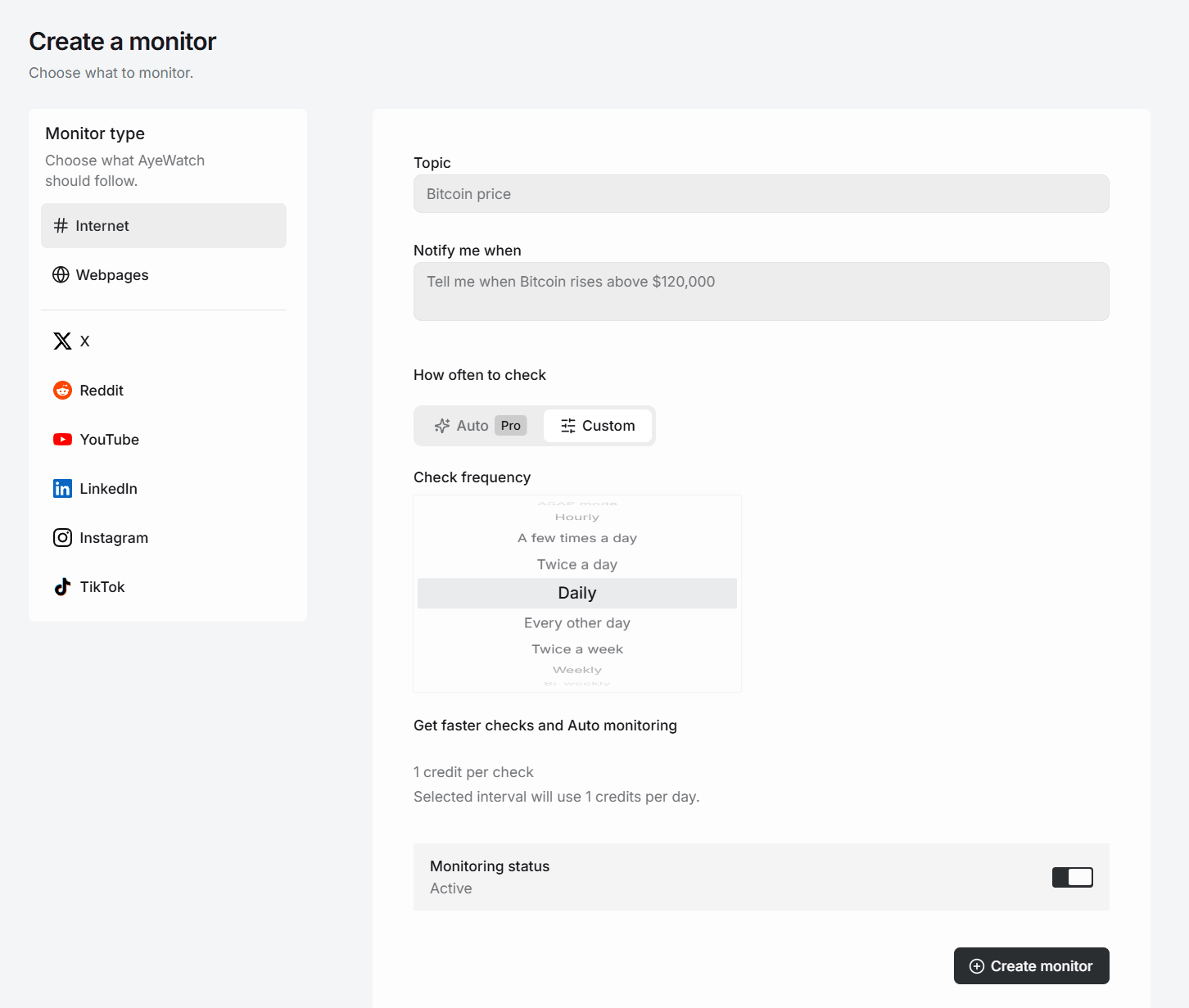
Try AyeWatch as your Nitter alternative
Describe a topic, paste a URL or monitor social media. Try it free for 7 days.
Start free trial →Why teams choose AyeWatch
- Nothing to host. There is no instance to keep alive when X changes access.
- The account does not know. You do not follow it and do not need an X account.
- Webhooks replace RSS for apps. On paid plans, each new post can be sent to your own endpoint as signed JSON.
Monitor: "X profile: https://x.com/northwindlabs"
Rule: "Only posts announcing releases, outages or pricing changes."
AyeWatch vs Nitter
| Feature | AyeWatch | Nitter |
|---|---|---|
| Starting price | $9/mo, 7-day free trial | Free |
| Reading a full timeline or thread | No, it sends new posts only | Yes, when an instance works |
| RSS feeds | No, alerts and webhooks instead | Yes |
| Hosting | Hosted for you | Self-host in practice |
| When X changes access | Nothing for you to fix | Instances often break |
| Filtering | Plain-English AI filter | None |
When Nitter is still the better pick: If you want to read whole timelines and threads in a browser for free, and you are willing to self-host and fix it when X changes access, Nitter still does that and AyeWatch does not. AyeWatch is not an X reader; it sends you new posts.
Best native X option
2. X Pro
X Pro, formerly TweetDeck, is a multi-column dashboard for searches, lists and accounts on X. It is included only with the Premium+ tier.
Best for: Live multi-column monitoring of X on desktop.
Strengths
- Many live columns and saved searches
- Lists and scheduling built in
- Native to X
Weaknesses
- Requires Premium+
- No alerts to email or Slack
- Only useful while you are looking at it
Pricing: $40/mo (Premium+) (No free plan).
Pick it if you already pay for Premium+ and keep X open on a second screen.
Best for RSS feeds
3. RSS.app
RSS.app generates RSS feeds from websites and social pages that lack them, and builds embeddable widgets and email digests.
Best for: Turning sites and social profiles into feeds.
Strengths
- Feeds from sites without RSS
- Embeddable widgets
- Bundles, filters and digests
Weaknesses
- Free plan is two feeds with daily refresh
- Feed caps make upper tiers pricey
- Generates feeds; you still need a reader
Pricing: $8.32/mo (billed annually) (Free plan (2 feeds)).
Pick it if you need a feed or widget from a source that has no RSS.
Best for custom scraping
4. Apify
Apify is a scraping and automation platform whose Store hosts ready-made scrapers, called Actors, for X and many other sites. Many Actors charge per result on top of the plan.
Best for: Scheduled scraping with ready-made Actors.
Strengths
- Free plan with monthly usage credit
- Many scrapers to choose from
- Scheduling, API and integrations
Weaknesses
- Total cost depends on the Actor and volume
- Third-party scrapers break when sites change
- Needs some technical setup
Pricing: $19/mo (Free plan ($5 monthly usage)).
Pick it if you want flexible scraping you control and can handle occasional breakage.
5. twitterapi.io
twitterapi.io is an unofficial third-party API that returns X posts, profiles and followers on pay-as-you-go credits that do not expire.
Best for: Cheap bulk X data for developers.
Strengths
- Far cheaper per post than the official API
- No minimum spend
- Covers posts, profiles and followers
Weaknesses
- Unofficial and not endorsed by X
- Minimum charge per call, even for empty results
- You build the alerting yourself
Pricing: Pay as you go ($0.15 per 1,000 posts) (No free plan).
Pick it if you need high-volume X data cheaply and accept an unofficial provider.
6. X API
X's official API now charges per request through the Developer Console. Pay-per-use accounts are capped at a set number of reads per cycle before Enterprise pricing.
Best for: Official, terms-compliant access to X data.
Strengths
- Official and compliant
- No monthly subscription
- Full documented endpoints
Weaknesses
- Read costs add up fast at scale
- No free tier for new developers
- You build the alerting yourself
Pricing: Pay per use ($0.005 per post read) (No free tier).
Pick it if you need official, compliant access and your volume is modest.
FAQ
What is the best Nitter alternative?
To get new posts from X accounts without logging in, AyeWatch. To read X live in columns, X Pro if you pay for Premium+. For RSS feeds of profiles, RSS.app.
Is there a free Nitter alternative?
Not a reliable one. Self-hosting Nitter is free but breaks often, Apify's free plan includes $5 of monthly usage, and AyeWatch has a 7-day free trial.
Is Nitter still working in 2026?
Barely. Most public instances are offline or blocked. A few self-hosted instances run with their own X accounts.
Can I follow protected accounts?
No. AyeWatch only monitors public profiles.
Which tool is right for you?
- You want new posts from a few X accounts, without logging in: AyeWatch.
- You pay for Premium+ and keep X open on a second screen: X Pro.
- You want RSS feeds for a reader: RSS.app.
- You want to build your own scraper pipeline: Apify.
- You need bulk X data cheaply: twitterapi.io.
- You need official, compliant access: X API.
Monitor what matters without the noise
Set up your first monitor in under a minute. Try it free for 7 days.
Get started today →