Twitter (X) Webhook: Send New Tweets to Your App
Get a JSON webhook each time an X account posts or a search has new tweets, without X API access. Signed with HMAC, retried on failure.
Short answer: create an X monitor in AyeWatch (an account or a search), then set a webhook URL in Settings → Webhooks. Each new tweet the monitor finds is POSTed to your URL as JSON, signed with your secret. No X developer account needed. Webhooks are on Pro and Pro+.
Set it up
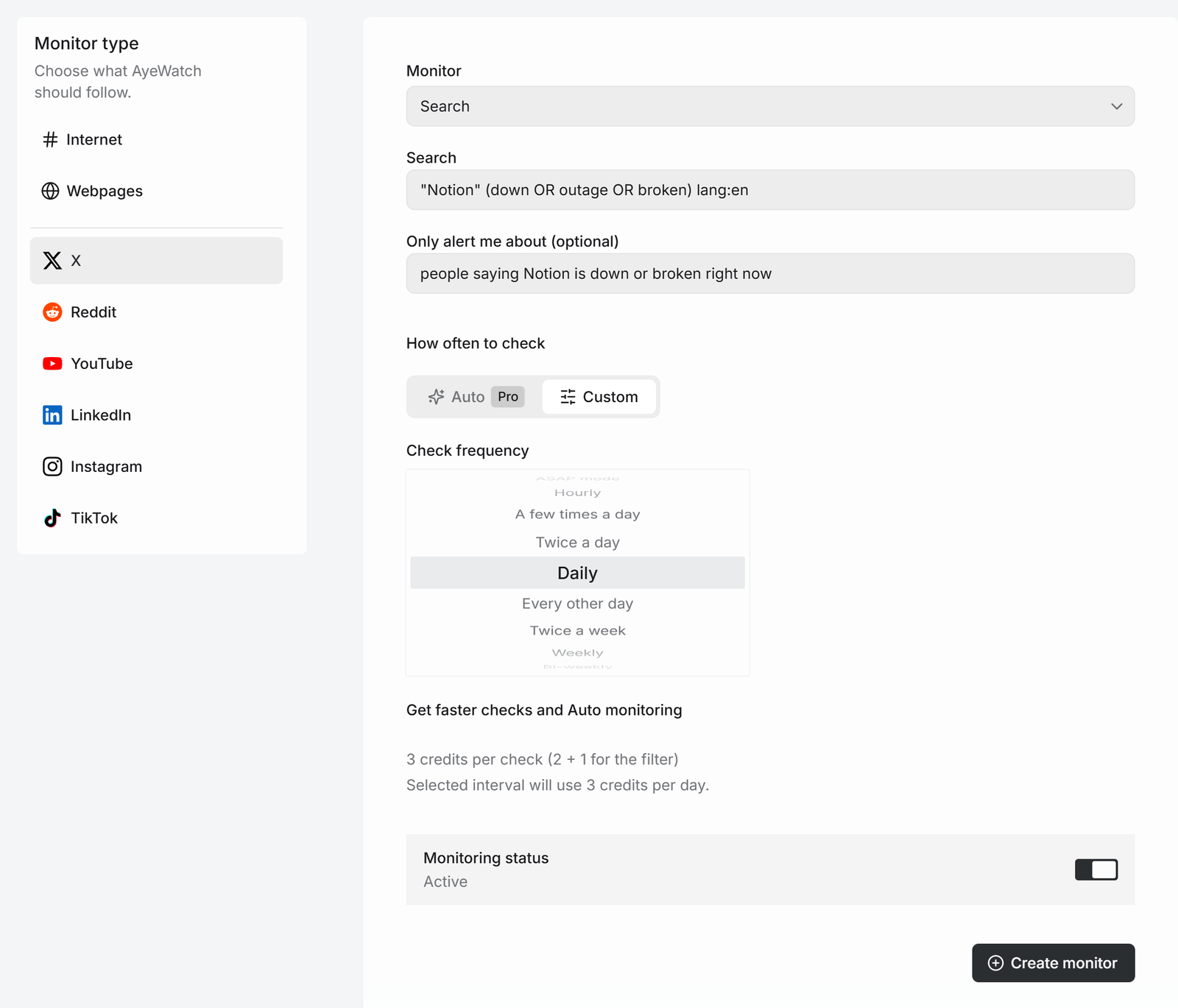
- Create the source: Create a monitor → X, then Profile with a link, or Search with a query.
- Open Settings → Webhooks, paste your HTTPS endpoint and save. Copy the secret it shows.
- Verify the
X-AyeWatch-Signatureheader (HMAC-SHA256 of the raw body with your secret) and return a 2xx.
What your endpoint receives
{
  "topic_id": 1042,
  "topic_name": "Northwind Labs on X",
  "update_id": 7891,
  "headline": "Northwind Sync public beta is open.",
  "content": "• Northwind Sync public beta is open. First 2,000 sign-ups get 3 months free.",
  "created_at": "2026-10-21T09:38:00Z"
}
Use update_id to deduplicate. Failed deliveries are retried with backoff, up to 10 attempts. Field reference and verification code in Node and Python are in the webhook docs.
The same alert in AyeWatch
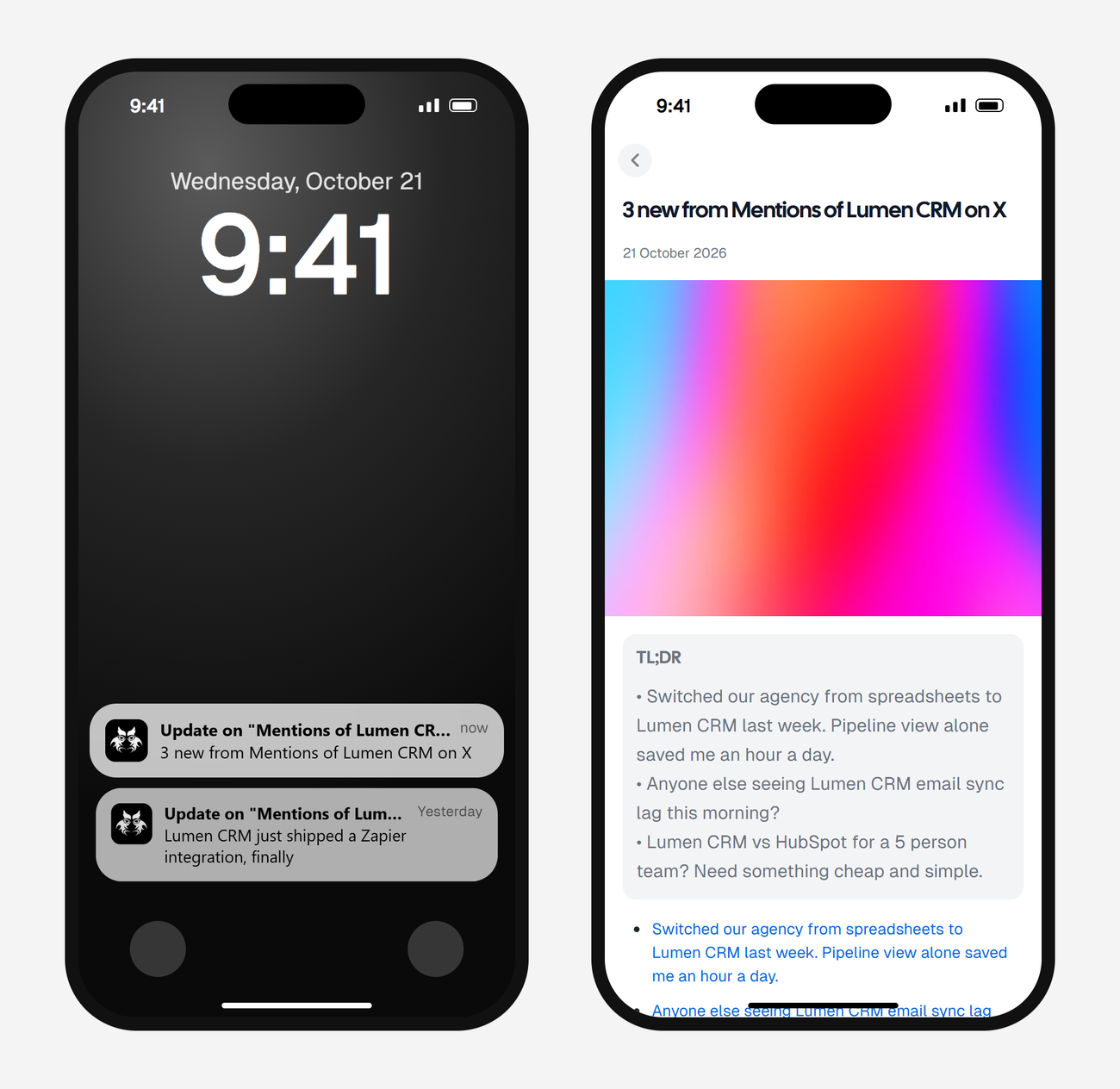
The first check saves the current posts as a starting point, so you are not flooded with old ones. After that, every check that finds something new sends one alert. The headline is the post itself, or "3 new from …" when several land at once, with a link to each post and its text.

Common uses
- Post new tweets into a Discord channel or a Teams chat through your own small handler.
- Save every brand mention to a spreadsheet or database.
- Open a support ticket when someone tweets a complaint.
Want Slack? Skip the code and use the built-in Slack integration.
Create the X monitor for your webhook
Free Preview includes 3 credits to try it. No card.
Set it up nowWhat it costs
| Check every | Credits a day | Plan that fits |
|---|---|---|
| Daily | 2 | Free Preview to try it, then Pro |
| A few times a day | 8 | Pro |
| Hourly | 48 | Pro+ |
Plans: Free Preview gives you 3 credits to try a monitor on a daily check. Pro is $9 a month for 500 credits and checks as often as hourly. Pro+ is $19 a month for 1,500 credits and adds ASAP mode. Failed checks are refunded, and the form shows the exact daily credit use before you save.
FAQ
Does X itself offer webhooks for new tweets?
X's Account Activity webhooks need paid API access and cover accounts you control. AyeWatch sends webhooks for any public account or search.
Can I send tweets straight to Discord?
Not directly yet. Point the webhook at a small handler that forwards to a Discord webhook URL.
Is there one webhook per monitor?
One webhook URL per account receives updates from all your monitors. Use topic_id to route them.