6 Best X API Alternatives in 2026
The 6 best X API alternatives in 2026 for monitoring accounts and keywords: AyeWatch, twitterapi.io, Apify, Octolens and more, compared on cost.
By AyeWatch Team9 min read
X's official API charges per request, has no free tier for new developers, and still leaves you to build the polling, filtering and alerting yourself. Developers look for an X API alternative when all they need is "tell my app when these accounts post or these keywords appear".
Below are six options, from cheap unofficial APIs to monitoring tools that do the polling for you, with notes on what each gives up compared with the official API.
Quick comparison: best X API alternatives
| Product | Best for | Starting price | Key difference | Review |
|---|---|---|---|---|
| AyeWatch | New posts from accounts and searches, by webhook | $9/mo, 7-day free trial | Monitors and webhooks, no polling code | Read |
| twitterapi.io | Cheap bulk X data for developers | Pay as you go ($0.15 per 1,000 posts) | Unofficial, far cheaper per post | Read |
| Apify | Scheduled scraping with ready-made Actors | $19/mo | Ready-made X scrapers you schedule | Read |
| Octolens | B2B and developer brands monitoring communities | $159/mo (billed annually) | X plus developer and B2B communities | Read |
| X Pro | Live multi-column monitoring of X on desktop | $40/mo (Premium+) | Live columns, no API or alerts | Read |
| RSS.app | Turning sites and social profiles into feeds | $8.32/mo (billed annually) | X profiles as RSS feeds | Read |
Starting prices are the lowest paid plan listed on each vendor's site, checked October 2026.
Best overall alternative
1. AyeWatch
AyeWatch is an AI internet monitor with a REST API. Create X monitors for a public account, a search with X search operators, or an X Community, add an optional plain-English filter, and receive new matches on an HMAC-signed webhook. It is not a full X API: you cannot post, read timelines or pull historical tweets.
Best for: New posts from accounts and searches, by webhook.
- Create monitors with one REST call.
x_profile,x_searchandx_communitymodes, with a filter ininputs.filter. - Signed webhooks. New posts arrive as JSON with an HMAC-SHA256 signature, and failed deliveries are retried.
- AI filtering before delivery. "Complaints or bug reports only" means your endpoint receives fewer, better posts.
- Also in the app. The same monitors send push, email, Slack and Discord alerts.
Pricing: Every plan starts with a 7-day free trial. Pro is $9/mo with hourly monitoring. Pro+ is $19/mo and unlocks ASAP mode.
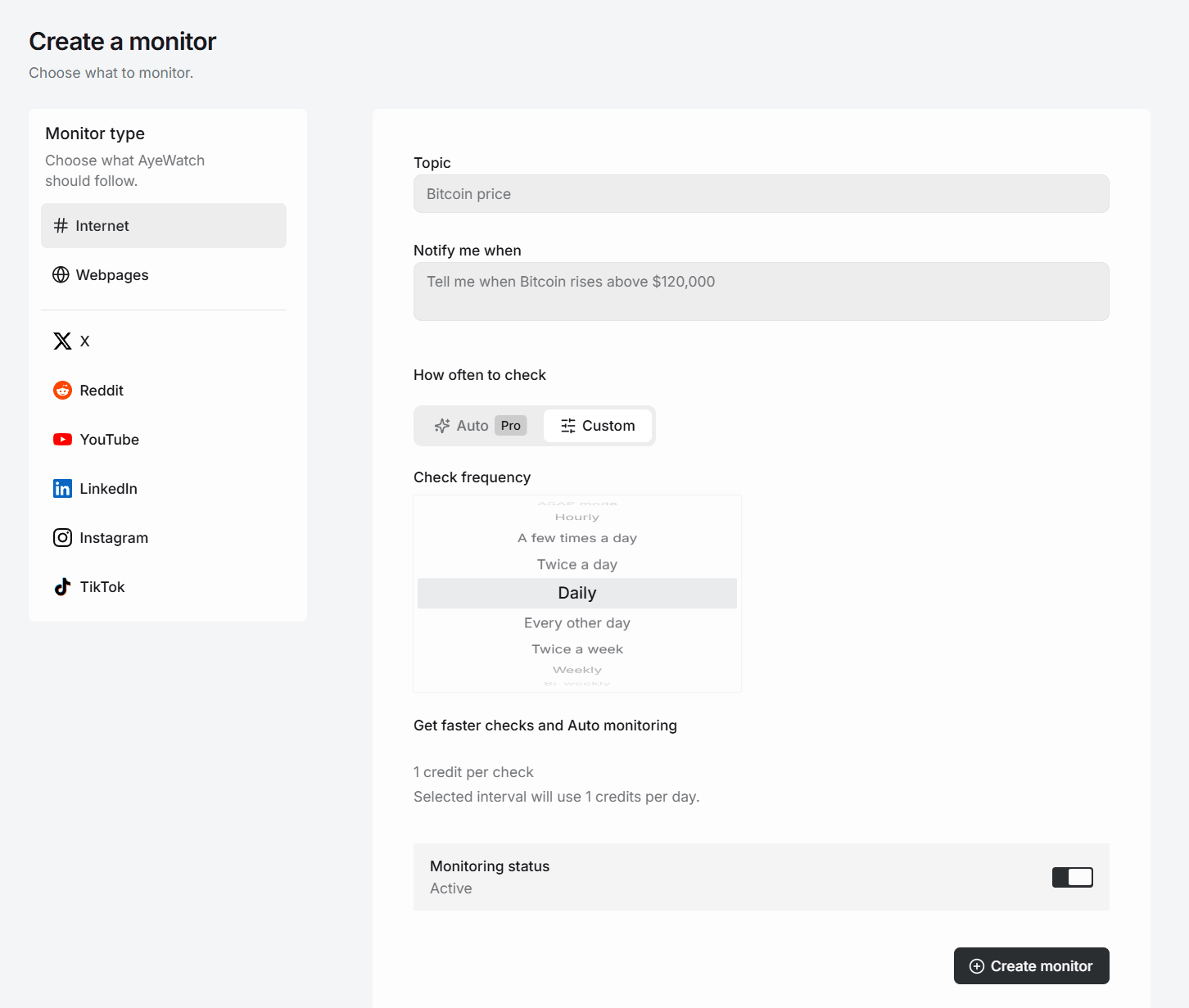
Try AyeWatch as your X API alternative
Describe a topic, paste a URL or monitor social media. Try it free for 7 days.
Start free trial →Why teams choose AyeWatch
- No polling code to run. AyeWatch checks on its schedule, hourly on Pro or ASAP mode on Pro+, and calls your webhook when there is something new.
- Flat monthly price. Pro is $9/mo for up to 50 monitors, with no per-post read charge. API keys need Pro or Pro+.
- No backlog. The first check sends up to 5 of the latest posts, then only new ones, so your endpoint never receives the whole feed.
Monitor: "X search: "lumen crm" -from:lumencrm"
Rule: "Only complaints or bug reports from users."
AyeWatch vs X API
| Feature | AyeWatch | X API |
|---|---|---|
| Starting price | $9/mo, 7-day free trial | Pay per use ($0.005 per post read) |
| Posting, DMs, likes and follower lists | No | Yes |
| Historical posts | No, new posts from setup onward | Yes |
| Polling and alerting | Built in, delivered by webhook | You build it |
| AI filtering | Plain-English filter | No |
When X API is still the better pick: If you need to post, read timelines, pull history or work with follower graphs, use the official X API. AyeWatch only sends new posts from public accounts, searches and Communities. The official API is also the safer choice when you need documented, compliant access for a commercial product.
Best low-cost API
2. twitterapi.io
twitterapi.io is an unofficial third-party API that returns X posts, profiles and followers on pay-as-you-go credits that do not expire.
Best for: Cheap bulk X data for developers.
Strengths
- Far cheaper per post than the official API
- No minimum spend
- Covers posts, profiles and followers
Weaknesses
- Unofficial and not endorsed by X
- Minimum charge per call, even for empty results
- You build the alerting yourself
Pricing: Pay as you go ($0.15 per 1,000 posts) (No free plan).
Pick it if you need high-volume X data cheaply and accept an unofficial provider.
Best for custom scraping
3. Apify
Apify is a scraping and automation platform whose Store hosts ready-made scrapers, called Actors, for X and many other sites. Many Actors charge per result on top of the plan.
Best for: Scheduled scraping with ready-made Actors.
Strengths
- Free plan with monthly usage credit
- Many scrapers to choose from
- Scheduling, API and integrations
Weaknesses
- Total cost depends on the Actor and volume
- Third-party scrapers break when sites change
- Needs some technical setup
Pricing: $19/mo (Free plan ($5 monthly usage)).
Pick it if you want flexible scraping you control and can handle occasional breakage.
Best for B2B mention monitoring
4. Octolens
Octolens monitors Reddit, X, LinkedIn, Bluesky, Hacker News, GitHub, YouTube, TikTok and review sites. News and web coverage needs its higher Scale plan.
Best for: B2B and developer brands monitoring communities.
Strengths
- Covers developer and B2B communities
- Tracks review sites and app stores
- Trial without a card
Weaknesses
- News and web need the $499 plan
- Monthly rates not published
- Facebook and Instagram coverage unclear
Pricing: $159/mo (billed annually) (7-day free trial).
Pick it if you sell to developers or B2B buyers and live in their communities.
5. X Pro
X Pro, formerly TweetDeck, is a multi-column dashboard for searches, lists and accounts on X. It is included only with the Premium+ tier.
Best for: Live multi-column monitoring of X on desktop.
Strengths
- Many live columns and saved searches
- Lists and scheduling built in
- Native to X
Weaknesses
- Requires Premium+
- No alerts to email or Slack
- Only useful while you are looking at it
Pricing: $40/mo (Premium+) (No free plan).
Pick it if you already pay for Premium+ and keep X open on a second screen.
6. RSS.app
RSS.app generates RSS feeds from websites and social pages that lack them, and builds embeddable widgets and email digests.
Best for: Turning sites and social profiles into feeds.
Strengths
- Feeds from sites without RSS
- Embeddable widgets
- Bundles, filters and digests
Weaknesses
- Free plan is two feeds with daily refresh
- Feed caps make upper tiers pricey
- Generates feeds; you still need a reader
Pricing: $8.32/mo (billed annually) (Free plan (2 feeds)).
Pick it if you need a feed or widget from a source that has no RSS.
FAQ
What is the best X API alternative?
If you only need new posts from accounts or searches delivered to your app, AyeWatch. For cheap bulk X data, twitterapi.io. For scrapers you configure yourself, Apify.
Is there a free X API alternative?
Not for ongoing use. The X API has no free tier for new developers, Apify's free plan includes $5 of monthly usage, and AyeWatch has a 7-day free trial on the web. AyeWatch API keys need Pro or Pro+.
Can I get tweets in real time?
Not instantly. AyeWatch monitors check on a schedule: hourly on Pro, and ASAP mode on Pro+ is the fastest.
How do I move from X API polling to AyeWatch?
Create one monitor per account or query with POST /api/v1/topics, set your endpoint once in Settings under Webhooks, and verify the X-AyeWatch-Signature header. Your handler then maps the new payload instead of polling X.
Which tool is right for you?
- You want new posts from accounts or searches pushed to your app: AyeWatch.
- You need large volumes of X data cheaply: twitterapi.io.
- You want to build and schedule your own scrapers: Apify.
- You monitor your brand across X and developer communities: Octolens.
- You need to post, read history or stay fully official: X API.
Monitor what matters without the noise
Set up your first monitor in under a minute. Try it free for 7 days.
Get started today →