Workday Job Alerts: Get Notified When a Company Posts a New Role
Get an alert when a company's Workday careers site lists a role you want, without a candidate account on every tenant.
By AyeWatch Team3 min read
Short answer: To get Workday job alerts, paste the company's myworkdayjobs.com careers link into an AyeWatch web page monitor and describe the role you want. AyeWatch reads the Workday job board directly, so it sees every new posting by its job ID, and it sends only the roles that match your rule.
Workday is the recruiting system behind many large companies' careers sites, usually at an address like company.wd1.myworkdayjobs.com. Each company runs its own Workday site, so a job alert set up on one does not cover another.
Why Workday's own alerts fall short
Some Workday careers sites let you save a search and get emails. You need a separate candidate account for each company, the setting is not always there, and the email fires on every match of a keyword, including roles in the wrong city or at the wrong level.
If you follow ten companies, that is ten accounts and ten inboxes of noise.
How AyeWatch reads a Workday site
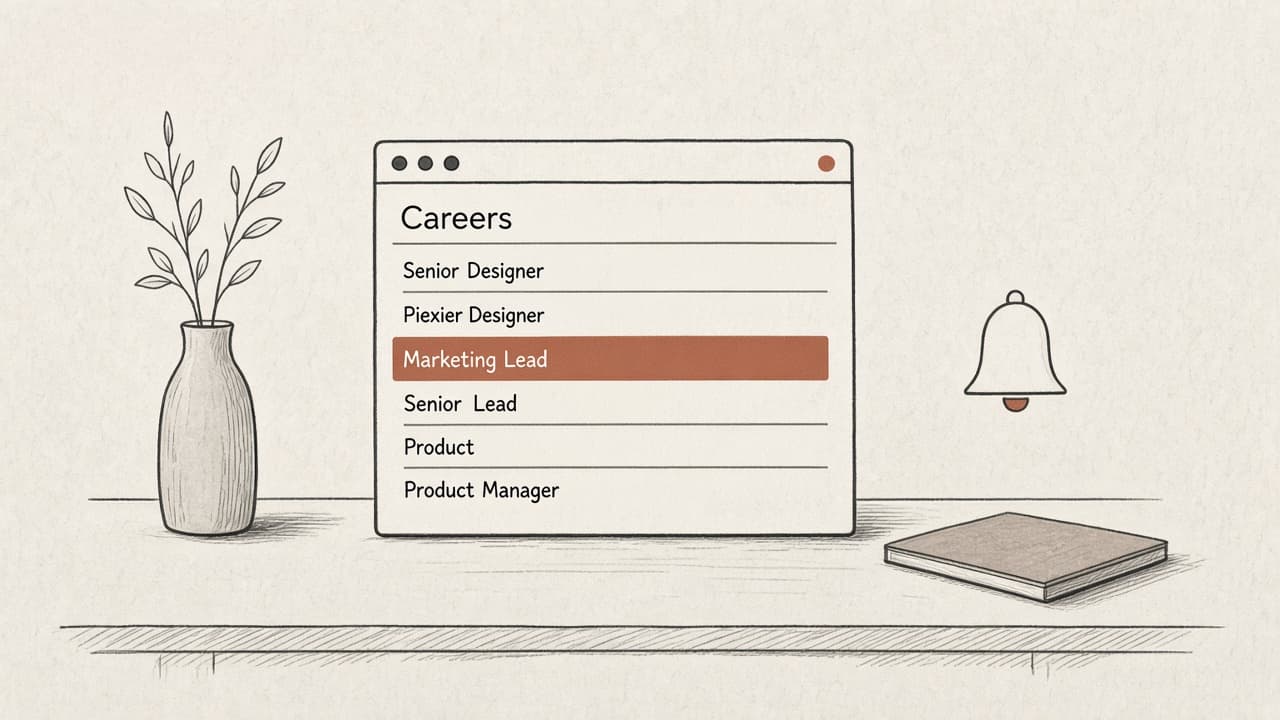
AyeWatch recognises Workday careers links and reads the job list from the board itself rather than from the rendered page. Each posting has a stable job ID, so a role that moves on the page is not reported twice, and a new role is never missed because the page loaded slowly.
If you paste a company's main careers page and it links to one Workday board, AyeWatch follows that board for you.
Write a rule that fits the role
Describe the job the way a recruiter would: "senior product designer roles, remote or in London" or "any data engineering role in Germany". The rule runs on each new posting, so you skip interns, other regions and other teams.
Cost
AyeWatch Pro is $9/mo with 50 topics and hourly checks; Pro+ is $19/mo with 200 topics and ASAP mode. Every plan starts with a 7-day free trial. Hourly checks are usually enough for job boards; ASAP mode helps when a role is likely to close early.
Set up a Workday job alert
- Open the company's careers site and copy the myworkdayjobs.com link.
- In AyeWatch, create a web page monitor and paste the link.
- Describe the roles you want in plain English.
- Save. The first check lists current openings, then you get alerts for new ones.
Start a monitor in under a minute
Describe a topic or paste a URL. Cancel before the trial ends and you pay nothing.
Try it free for 7 daysThe bottom line
Use one monitor per company, a rule that names the role and location, and hourly checks. Apply on the day a role goes up instead of the day it shows on a job aggregator.
FAQ
How do I get job alerts from Workday?
Paste the company's Workday careers link into an AyeWatch web page monitor and describe the role. You get an alert when a matching role is posted.
Do I need a Workday candidate account?
No. AyeWatch reads the public job board, so you do not sign in to each company's Workday site.
Can I follow several companies?
Yes. Create one monitor per company. Pro supports 50 topics and Pro+ supports 200.
Will I get alerts for every new job?
Only for jobs that match your rule. Roles in other teams, levels or locations are skipped.