How to Track Competitors on Social Media
Get an alert when a competitor posts on LinkedIn, X, YouTube or TikTok, filtered to launches, pricing and hiring. A setup that costs about $9 a month.
Short answer: create one AyeWatch monitor per competitor account: their LinkedIn company page, X profile, YouTube channel and TikTok profile. Add a filter like "product launches, pricing changes or new hires" so only moves that matter alert. You get those posts in one feed instead of checking four apps.
Set up the first one: LinkedIn
Most B2B competitors announce launches and pricing on LinkedIn first.
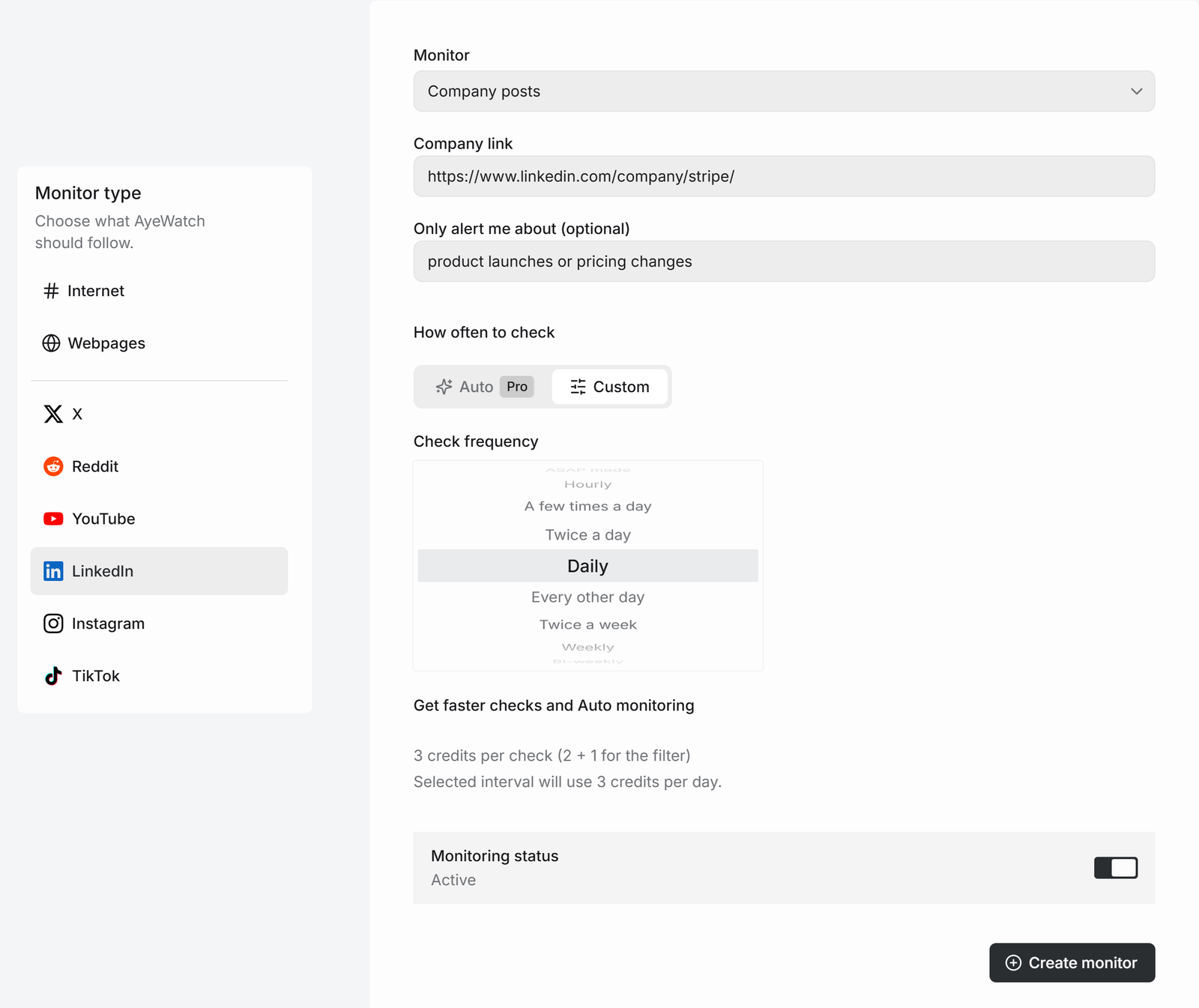
- Open Create a monitor → LinkedIn.
- In Monitor, choose Company posts and paste the company page link.
- In Only alert me about, write "product launches or pricing changes".
- Pick how often to check and click Create monitor.
Then add their other accounts
| Account | Mode | Check every | Credits a day |
|---|---|---|---|
| LinkedIn company page, with filter | LinkedIn → Company posts | Daily | 3 |
| X profile, with filter | X → Profile | Twice a day | 6 |
| YouTube channel | YouTube → Channel videos | Daily | 1 |
| TikTok profile | TikTok → Profile | Daily | 1 |
That's 11 credits a day, about 330 a month, for one competitor. Pro covers one competitor on every platform. Pro+ covers four. Accounts must be links, not @handles.
What you get
The first check saves the current posts as a starting point, so you are not flooded with old ones. After that, every check that finds something new sends one alert. The headline is the post itself, or "3 new from …" when several land at once, with a link to each post and its text.
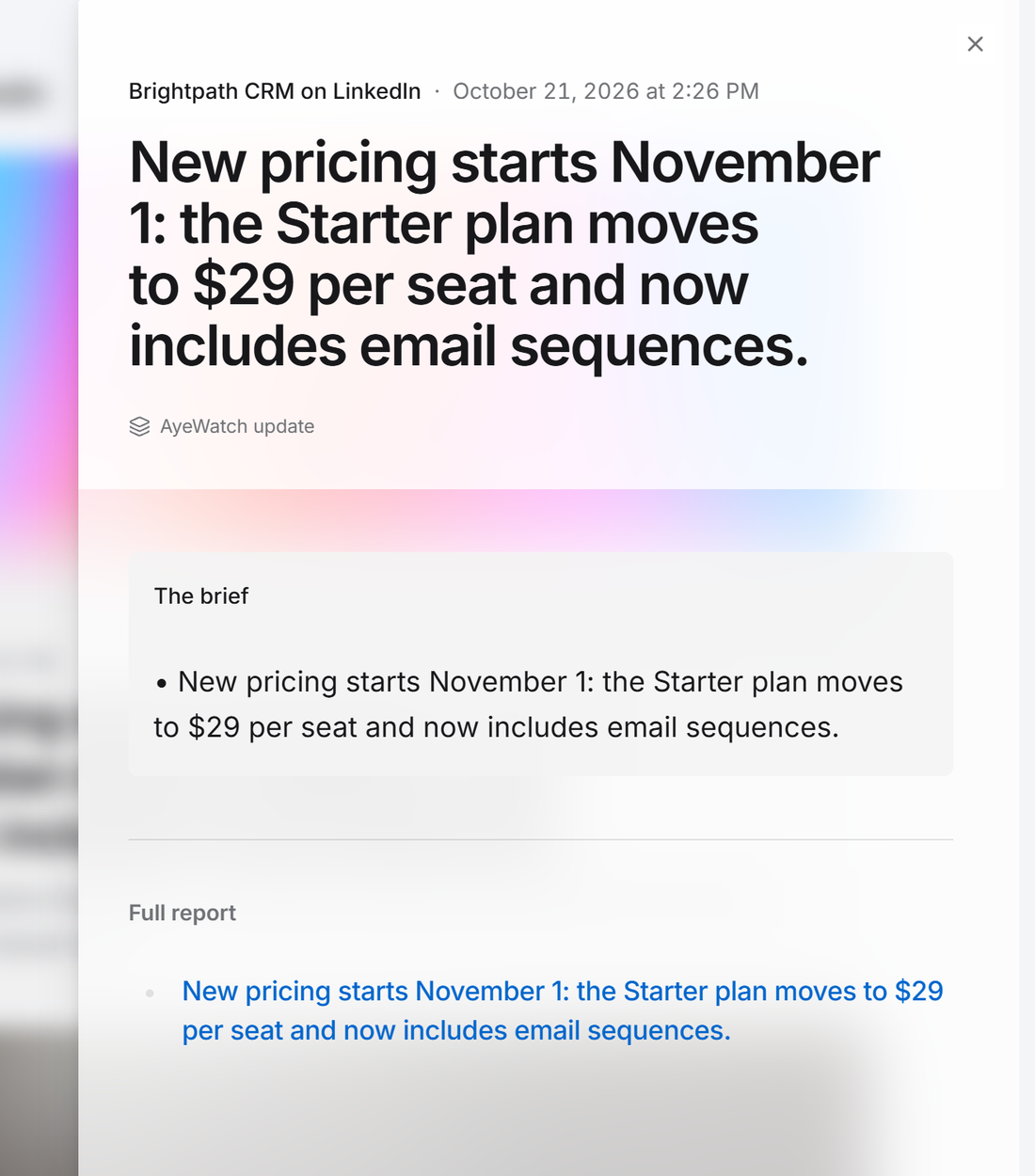
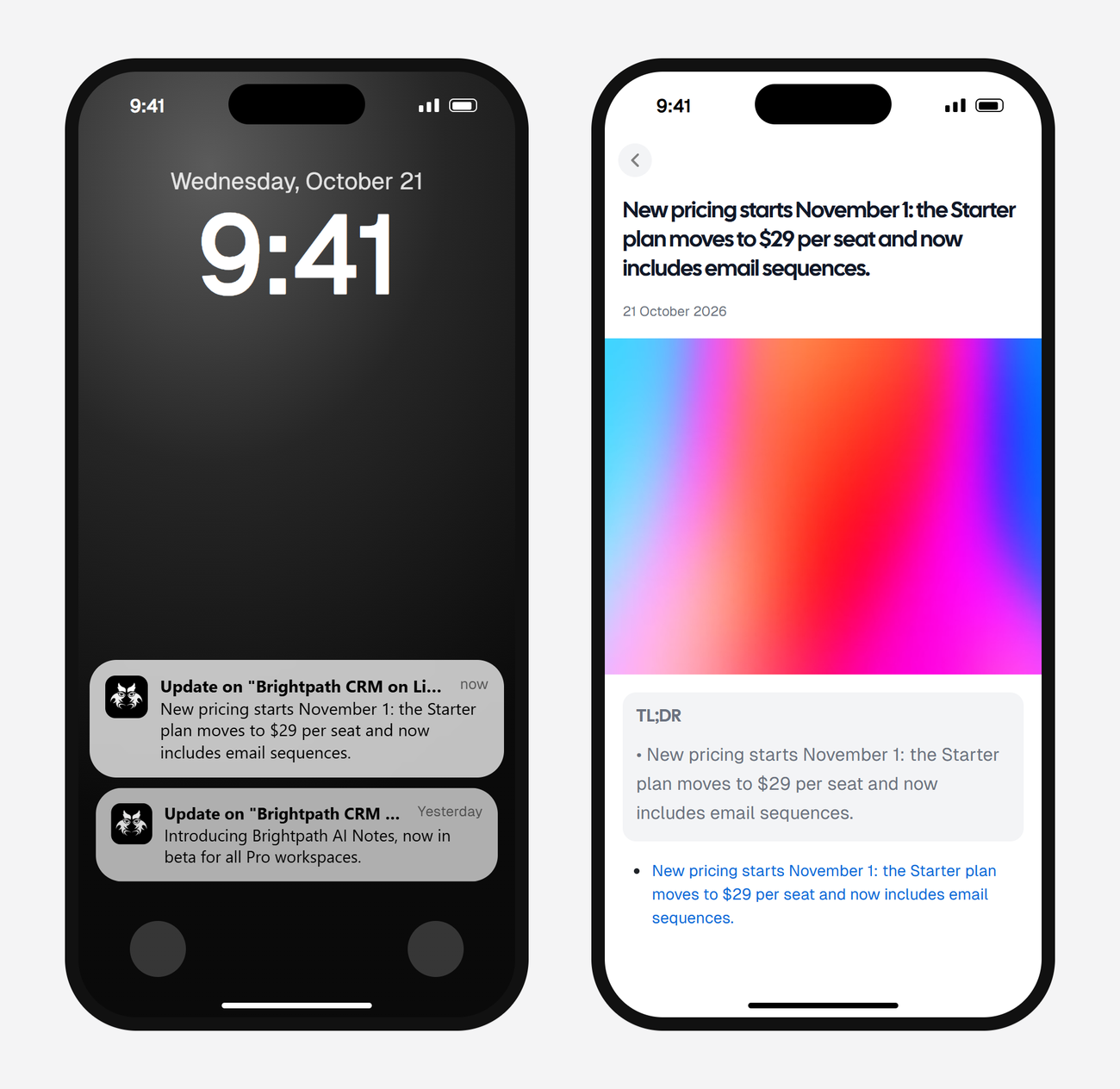
Alerts land in your feed and as push in the AyeWatch iOS and Android app. On Pro and Pro+ you can also turn on email, Slack, or a webhook.
Plans: Free Preview gives you 3 credits to try a monitor on a daily check. Pro is $9 a month for 500 credits and checks as often as hourly. Pro+ is $19 a month for 1,500 credits and adds ASAP mode. Failed checks are refunded, and the form shows the exact daily credit use before you save.
Social posts aren't the whole picture
Competitors often change pricing pages, changelogs and job boards without posting about it. Pair the social monitors with website monitors, pricing page alerts and hiring alerts. The competitor monitoring guide covers the full setup.
FAQ
Will the competitor know I'm tracking them?
No. AyeWatch reads public posts. You don't follow or connect to their accounts.
Can I track a competitor's Instagram?
Not their account. Instagram account monitoring isn't supported. You can track a hashtag they use, like their campaign tag.
Does it measure their engagement or follower growth?
No. It alerts you to new posts. Use a social analytics tool for engagement benchmarks.