Markets template · Updated August 2026
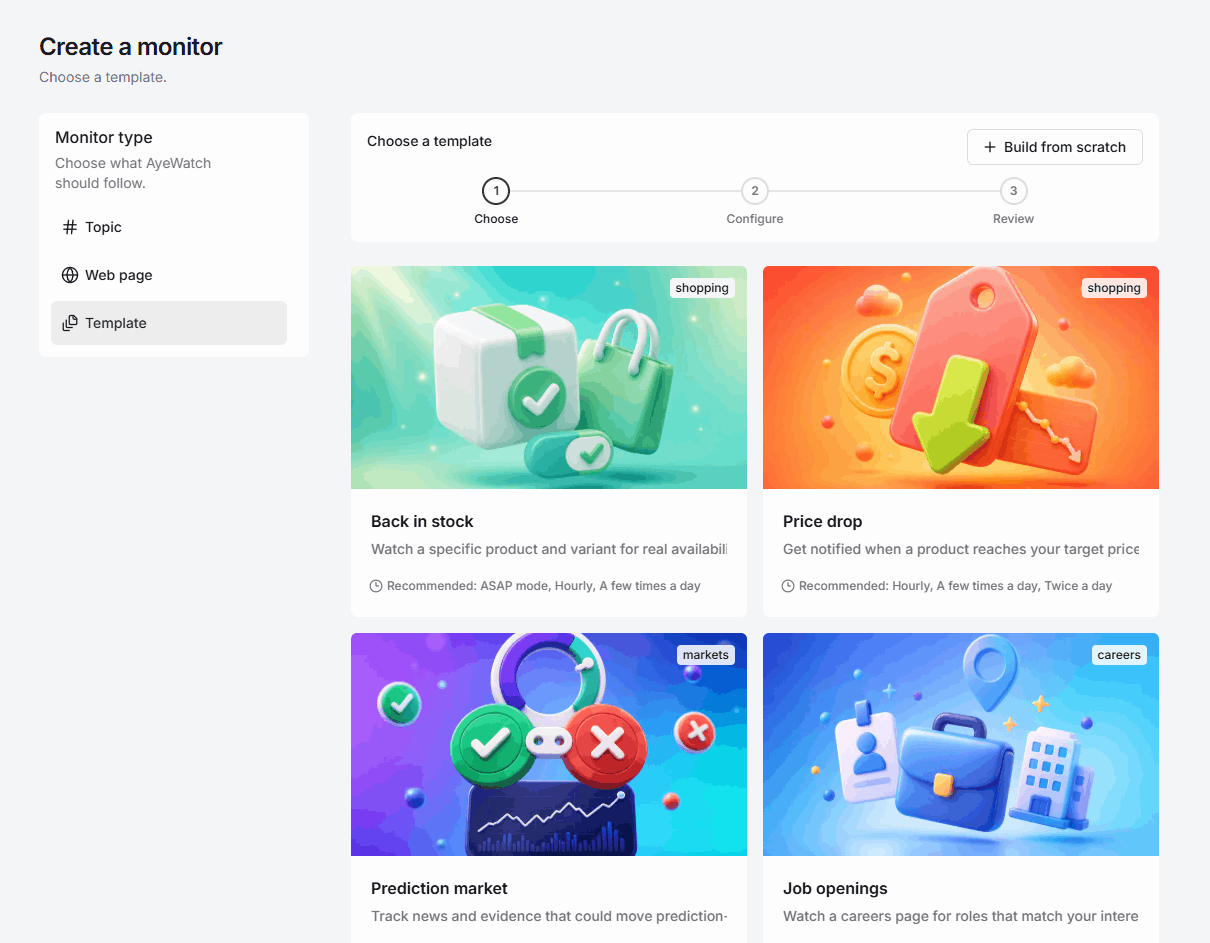
Prediction market monitor template.
Stop refreshing a Polymarket or Kalshi page. AyeWatch watches the question you care about and pings you when new evidence could actually move the odds.
Why this template
What it is for.
Odds move on news you missed while you were refreshing the chart. Commentary, rumors, and recycled tweets bury the one filing, benchmark, or official statement that changes the case.
News that can move the market, not the chatter
The template looks for official announcements, primary data, rankings, and rule changes. Generic takes and rumor threads stay out of your feed.
Each alert says what the evidence does
You get a short read: does this strengthen, weaken, or muddy an outcome, plus confidence and the source. Not a trading recommendation.
One market, one monitor
Paste the event URL, type the question in plain English, and optionally name the outcome you care about. No keyword lists.
Speed that matches the event
A year-end market can check daily. A live election or model-release race can check as often as your plan allows, including ASAP mode on Pro+.
Use cases
Where people use it.
AI-lab leaderboards
Watch “which company has the best model by year-end” and get pinged on launches, evals, and credible rankings, not every blog recap.
Elections and policy
Follow a Kalshi or Polymarket race and catch polls, court filings, and official statements that could reprice the contract.
Sports and awards
Monitor a title, award, or series-winner market for injuries, bracket changes, and confirmed results.
How to use it
Four steps. A blank or two.
- 1
Open this template
Click Use this template. Sign in if you need to, and AyeWatch opens this prediction market monitor, not a blank form.
- 2
Fill in the blanks
You fill in: Market link + the question. Optional fields stay optional.
- 3
Choose how often to check
Auto tunes the pace for you. Custom lets you pick any speed your plan unlocks.
- 4
Start the monitor
Alerts land in your feed and as a push. Paid plans add email, Slack, Discord, and webhooks. Templates are included with every paid plan.
What you fill in
Market URLRequired
Example: https://polymarket.com/event/which-company-has-best-ai-model-end-of-2026
Market questionRequired
Example: Which company has the best AI model at the end of 2026? Resolves December 31, 2026.
Monitor forOptional
Example: Choose News that could move odds to track model launches, benchmark results, and credible rankings.
News that could move odds · Probability or price changes · Liquidity or volume changes · Market status or resolution · Any meaningful change
Outcome you care aboutOptional
Example: Google. Leave this blank if you want AyeWatch to compare every company and identify the leader.
Suggested speeds: ASAP mode, Hourly, A few times a day. Market news and live odds can move quickly; choose based on how early you need alerts. Example: Daily is enough for a year-end market, while Hourly is better around major model or benchmark releases.
- Paste the exact event URL, not the homepage. AyeWatch needs the market you mean.
- Write the question the way the market resolves it, including the date if there is one.
- Leave the outcome blank if you want a read on every named side. Fill it in if you only care about one.
Also in the gallery
Related templates.

Markets
Fed and FOMC
Catch rate decisions, FOMC statements, minutes, and material speeches as they land, from the Fed, not a pundit quoting last month’s line.
News
News tracking
Follow meaningful news about a topic, in the words you would actually use. AyeWatch watches for developments, not every headline that shares a keyword.
Markets
Analyst rating changes
Track verified upgrades, downgrades, new coverage, and price-target changes on the names you watch, with the old and new figure, not a recycled consensus blurb.
Need a different monitor? Request a custom template
FAQ
Prediction market template, answered.
Does this work with Polymarket and Kalshi?
Yes. Paste any public prediction-market URL. AyeWatch monitors the question and the sources around it, not only the price tick.
Will I get an alert every time the price wiggles?
Not if you choose “News that could move odds.” That mode ignores price moves with no catalyst. You can switch to probability, liquidity, or resolution if you want page-level changes instead.
Is this financial advice?
No. Alerts infer how new evidence might affect a market. They are not a recommendation to trade.
Start this monitor in a minute.
Fill in market link + the question. Templates come with every paid plan. Three-run Free Preview has no credit card.