Twitter (X) Monitor for Crypto: Alerts for Listings, ETFs and Token News
Get an alert when X posts about new exchange listings, ETF filings or the coins you hold. Setup, query examples, how fast it is, and what it costs.
Short answer: create an X search monitor for the coins and events you trade on, add profile monitors for the accounts that break that news, and write a filter so only real news alerts. The fastest schedule is ASAP mode on Pro+. This is not a sniper bot. It won't hand you a tweet within seconds, so use it to know within the hour, not to front-run a listing.
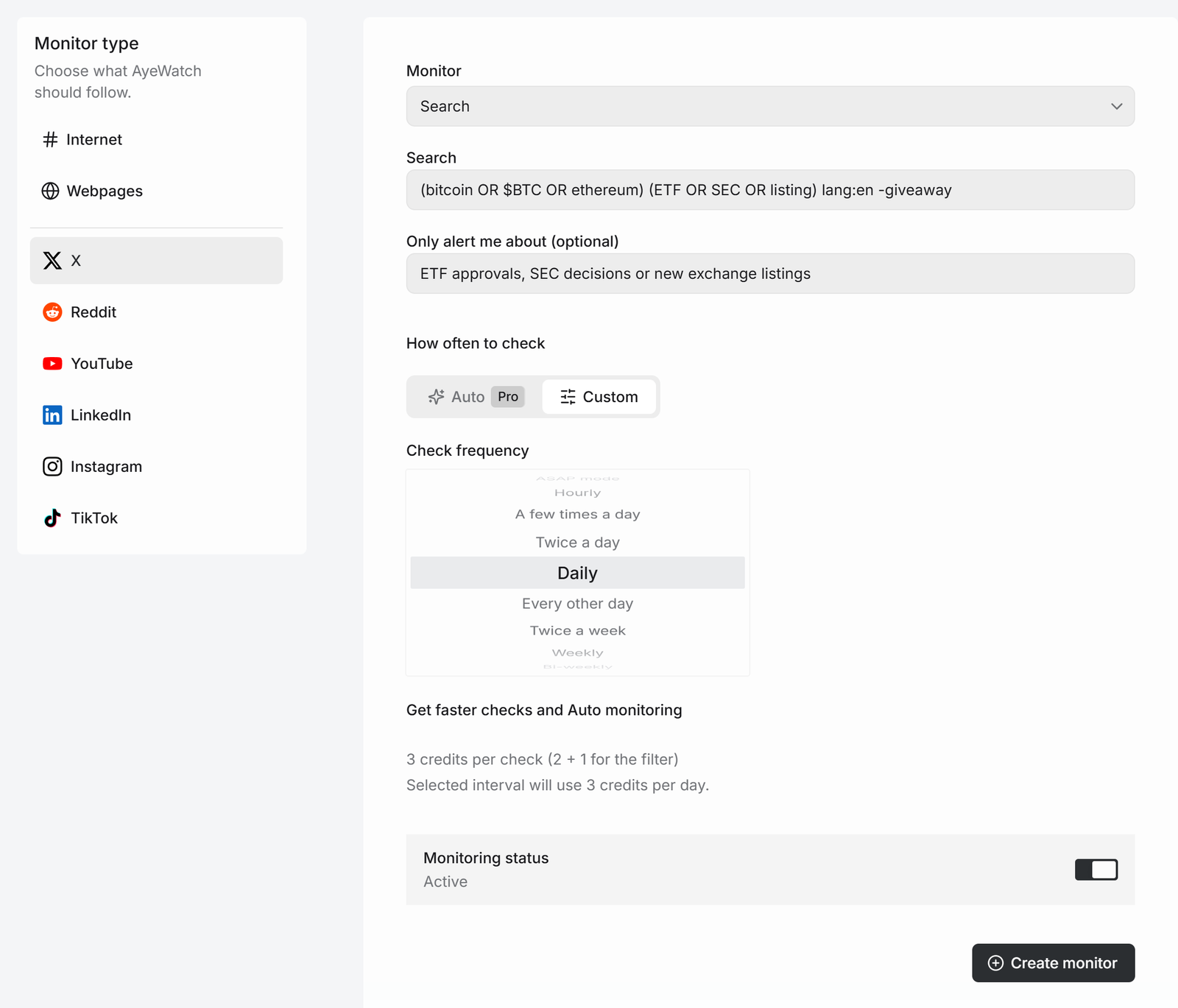
Set up a crypto news search
- Open Create a monitor → X and keep Search.
- Type a query, for example
(bitcoin OR $BTC OR ethereum) (ETF OR SEC OR listing) lang:en -giveaway. - In Only alert me about, write what counts as news: "ETF approvals, SEC decisions or new exchange listings". Price predictions, giveaways and shill threads get dropped.
- Pick how often to check and click Create monitor.
Add the accounts that post first
Listings and filings usually appear first on a handful of accounts: exchange listing accounts, ETF issuers, the project's own account. Create one Profile monitor per account and paste its x.com link. Pinned posts are ignored. See get notified when someone tweets for the details.
Query examples
| You want | Type |
|---|---|
| Several coins by cashtag | $SOL OR $ARB OR $TIA |
| Listing announcements from one exchange | from:binance (listing OR "will list") |
| Less spam | -giveaway -airdrop -"100x" |
| Stocks instead of coins | $NVDA (earnings OR guidance) |
What you get
The first check saves the current posts as a starting point, so you are not flooded with old ones. After that, every check that finds something new sends one alert. The headline is the post itself, or "3 new from …" when several land at once, with a link to each post and its text.
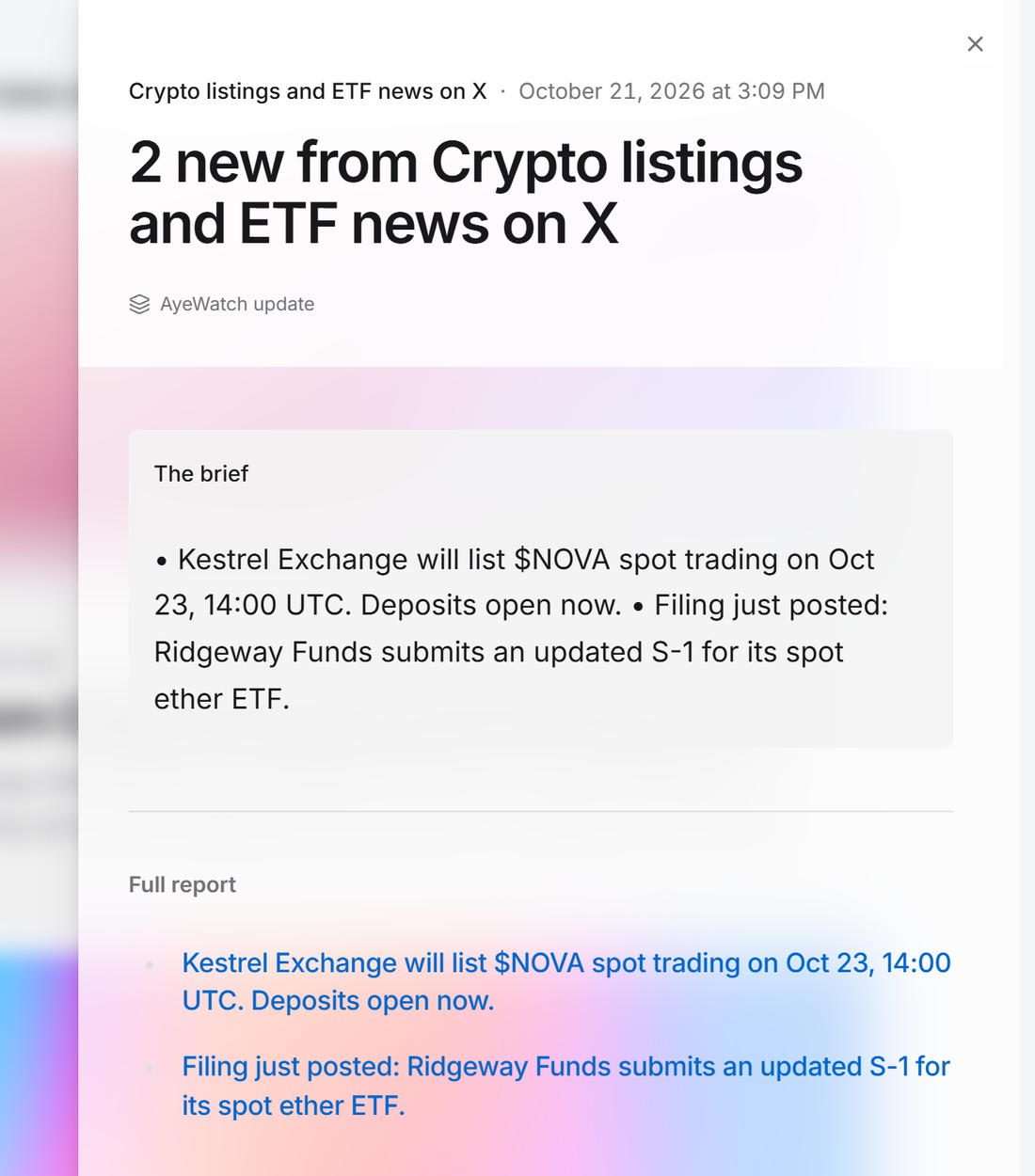
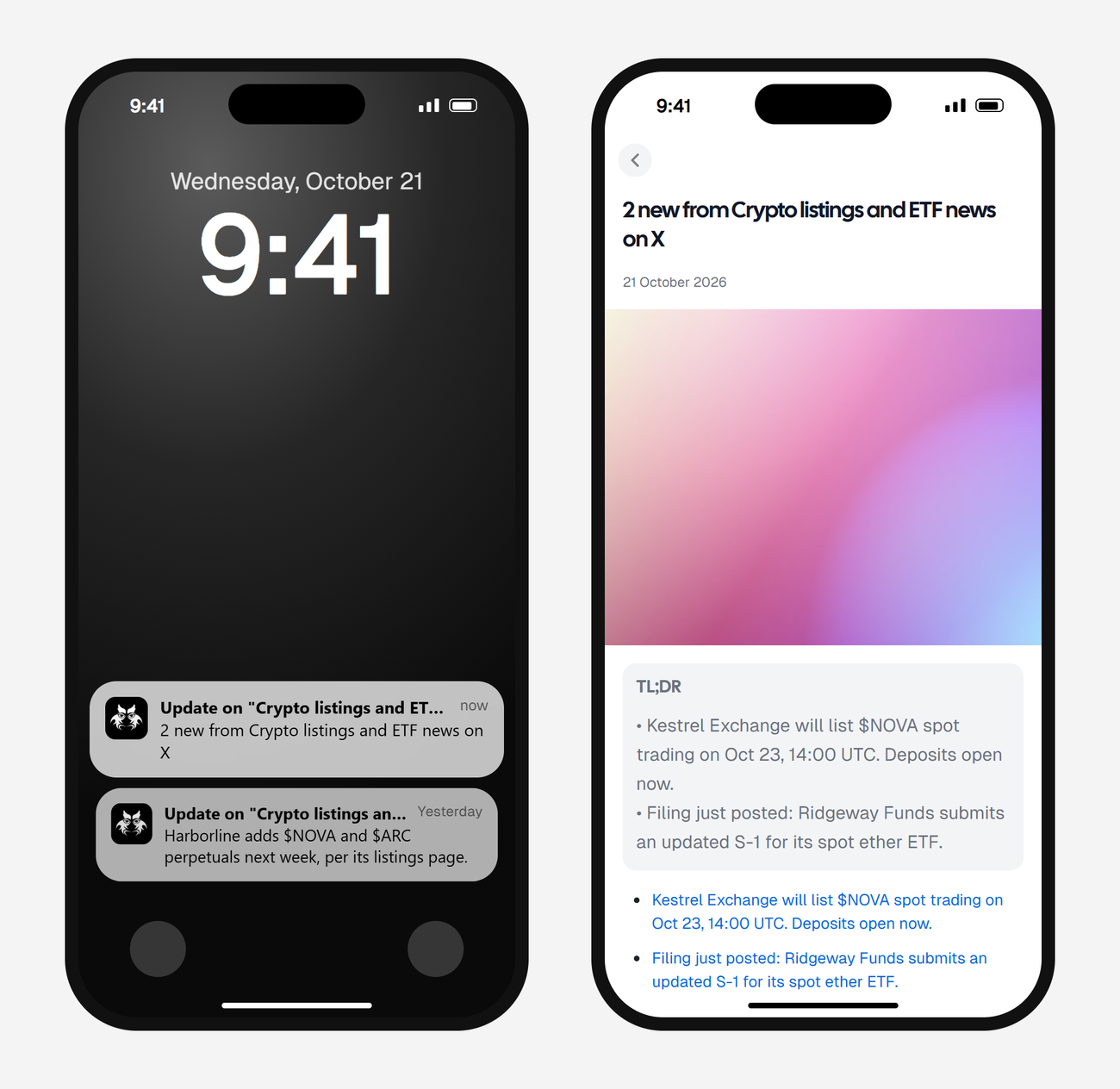
Alerts land in your feed and as push in the AyeWatch iOS and Android app. On Pro and Pro+ you can also turn on email, Slack, or a webhook.
How fast, and what it costs
An X search check uses 2 credits, or 3 with the filter.
| Check every | Credits a day (with filter) | Plan that fits |
|---|---|---|
| A few times a day | 12 | Pro |
| Every 3 hours | 24 | Pro+ |
| Hourly | 72 | Pro+ plus a top-up, or drop the filter |
| ASAP mode | The most | Pro+, for a short window like a listing week |
Plans: Free Preview gives you 3 credits to try a monitor on a daily check. Pro is $9 a month for 500 credits and checks as often as hourly. Pro+ is $19 a month for 1,500 credits and adds ASAP mode. Failed checks are refunded, and the form shows the exact daily credit use before you save.
For crypto news from sites rather than X, like exchange announcement pages and regulators, see crypto listing alerts and crypto regulation news alerts.
FAQ
Is this fast enough to snipe memecoin launches?
No. Sniper bots read X's stream and react in seconds. AyeWatch checks on a schedule, and ASAP mode is its fastest. It's built for knowing about news early in the day, not for racing bots.
Can I monitor a few accounts for coin calls?
Yes. Create a Profile monitor for each account and add a filter like "posts that name a specific coin or token".
Does it work for stocks?
Yes. X search handles stock cashtags like $NVDA the same way it handles coins.