
Crypto template · Updated August 2026
DeFi exploit alert template.
Hear about a hit protocol when it is confirmed, like drained funds, a halt, or a critical vuln, not when a random account yells “exploit??”

Why this template
What it is for.
Crypto Twitter panics first and corrects later. You need protocol posts and known researchers, not a screenshot of a mempool with no proof.
Confirmed by default
Alert when the protocol, an established researcher, or corroborating sources confirm it. Optional early-warning mode labels suspected incidents clearly.
Loss and type filters
Set a minimum reported USD loss, or focus on oracle attacks, bridges, or drained treasuries.
Your ecosystem, not all of crypto
Name protocols or a scope such as Ethereum DeFi. Add a chain if you only care about one.
Built for minutes that matter
Security incidents are time-sensitive. Faster cadences are available when you need them.
Use cases
Where people use it.
A protocol you hold
Watch the venues where your TVL sits so a halt or exploit is not something you learn on a group chat.
A chain desk
Scope “Ethereum DeFi” and require a minimum loss so dust incidents stay out.
Critical-only on-call
Choose critical incidents: active exploitation, material loss, halted ops, or an urgent user action.
How to use it
Four steps. A blank or two.
- 1
Open this template
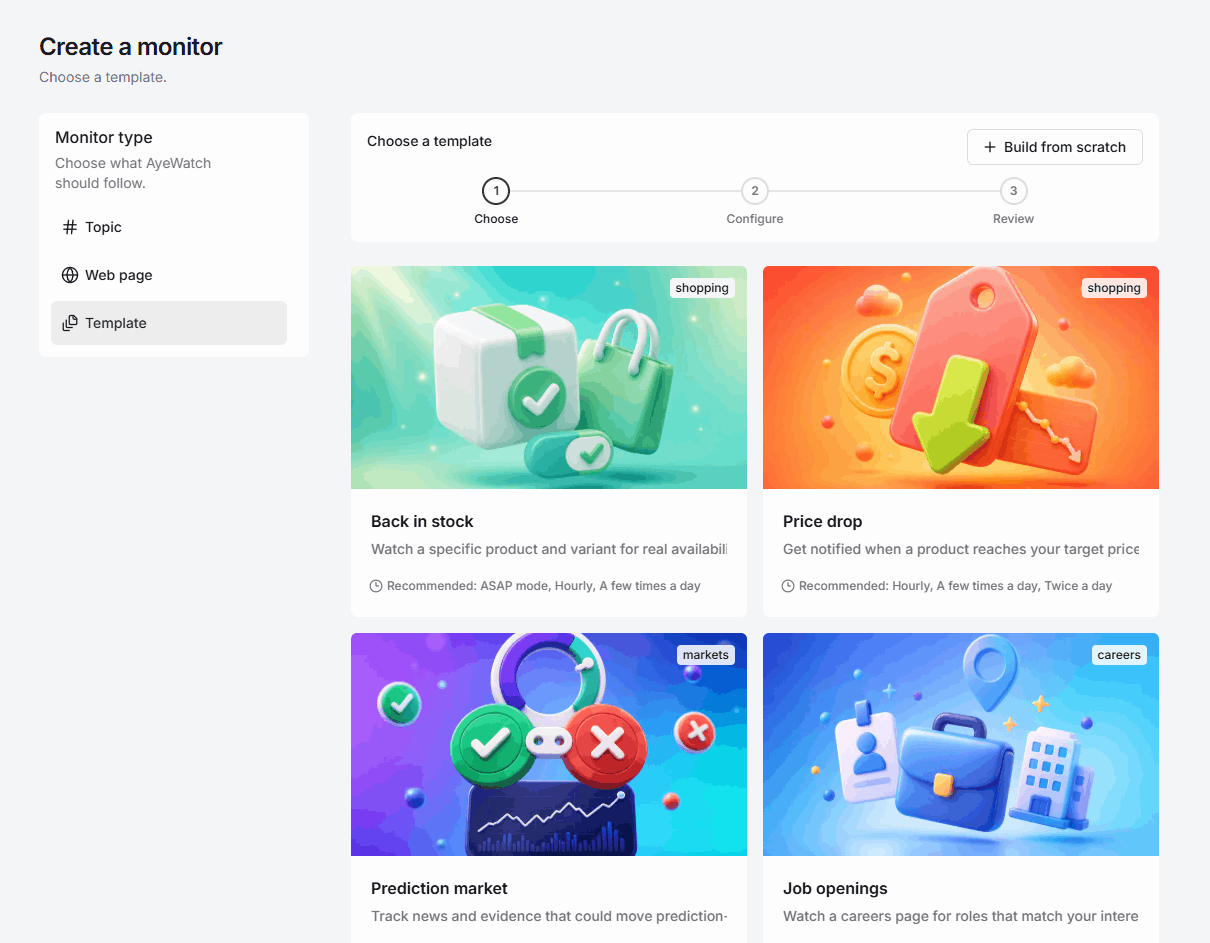
Click Use this template. Sign in if you need to, and AyeWatch opens this defi exploits monitor, not a blank form.
- 2
Fill in the blanks
You fill in: Protocols + chain. Optional fields stay optional.
- 3
Choose how often to check
Auto tunes the pace for you. Custom lets you pick any speed your plan unlocks.
- 4
Start the monitor
Alerts land in your feed and as a push. Paid plans add email, Slack, Discord, and webhooks. Templates are included with every paid plan.
What you fill in
Protocols or ecosystemRequired
Enter protocols or a scope such as Ethereum DeFi.
ChainOptional
Alert modeOptional
Confirmed incidents only · Confirmed and credible early warnings · Critical incidents only
Minimum reported loss (USD)Optional
Leave blank to include incidents without an estimated loss.
Incident typesOptional
For example: oracle attack, bridge exploit, or drained funds.
Suggested speeds: ASAP mode, Hourly, A few times a day. Security incidents are time-sensitive; select a faster cadence for early awareness or a slower one for confirmed summaries.
- Default to confirmed incidents unless you are a researcher who wants labeled early warnings.
- Name protocols precisely. “Aave” is cleaner than “lending.”
- This is situational awareness, not an on-chain kill switch.
Also in the gallery
Related templates.

News
News tracking
Follow meaningful news about a topic, in the words you would actually use. AyeWatch watches for developments, not every headline that shares a keyword.

Regulation
Regulatory updates
Track rules and policy changes for one subject in one jurisdiction. AyeWatch watches for the actual update, like guidance, a bill, or a rule, not the think-piece.

Business
Competitor monitoring
Follow what a company actually does: launches, pricing, hiring, and material press, not the social calendar.
Need a different monitor? Request a custom template
FAQ
DeFi exploits template, answered.
Will I get every phishing tweet?
No. Phishing unrelated to the protocol, old postmortems, and unsubstantiated posts are ignored.
What is early-warning mode?
It still prefers credible sources, but it can surface suspected incidents and labels them until they are corroborated. Confirmed mode stays quieter.
Does AyeWatch monitor the chain directly?
It monitors public reporting and official channels around the protocols you name. Pair it with your own on-chain tools if you need raw logs.
Start this monitor in a minute.
Fill in protocols + chain. Templates come with every paid plan. Three-run Free Preview has no credit card.