AyeWatch for n8n, Make and Zapier Builders: monitoring as a webhook trigger
AyeWatch turns any public web page, internet topic or X, Reddit, LinkedIn, YouTube, Instagram or TikTok search into a signed JSON webhook for n8n, Make, Zapier or your own code. Create monitors from the REST API or an AI assistant over MCP, and skip building scrapers.
For automation builders
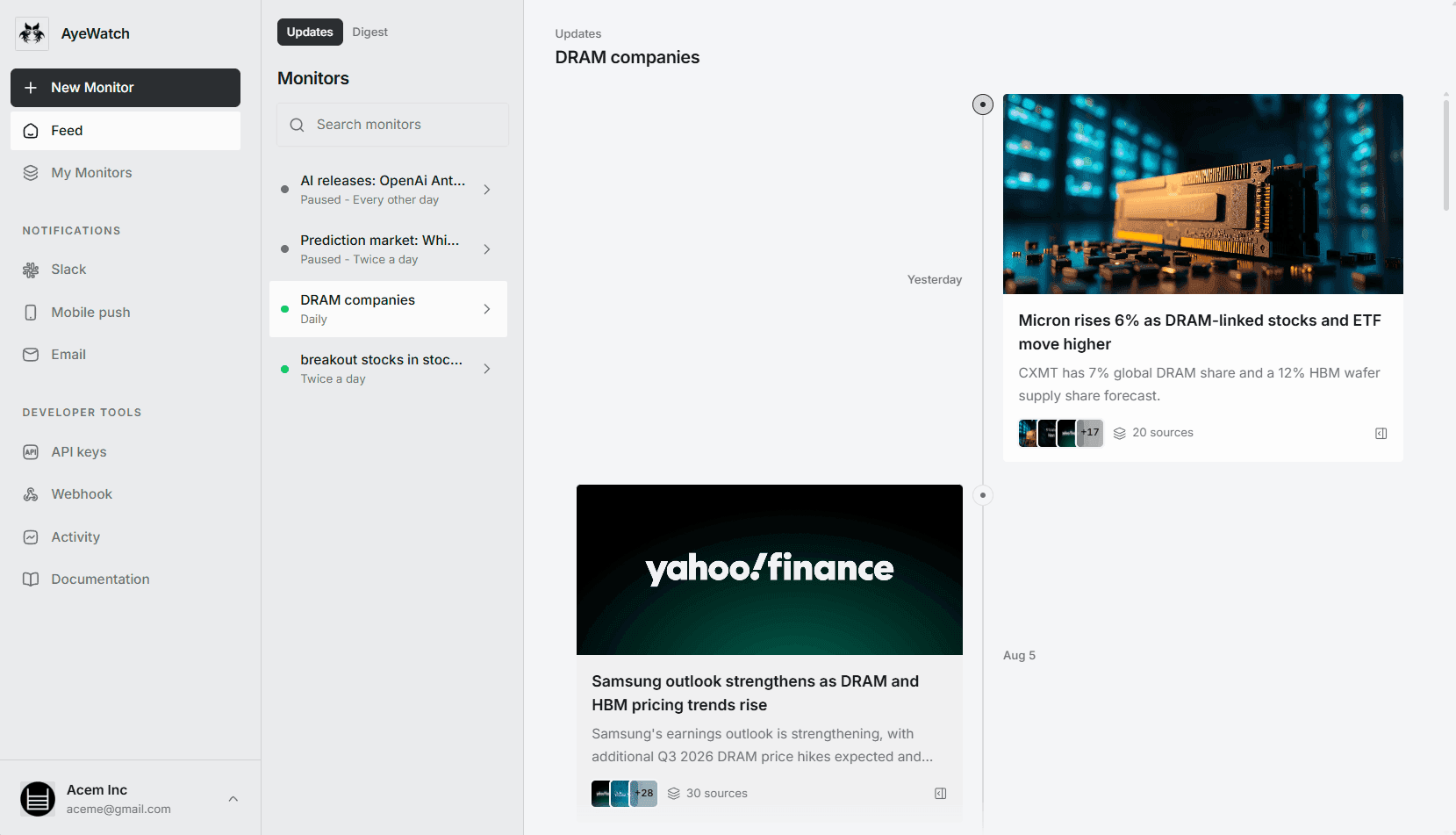
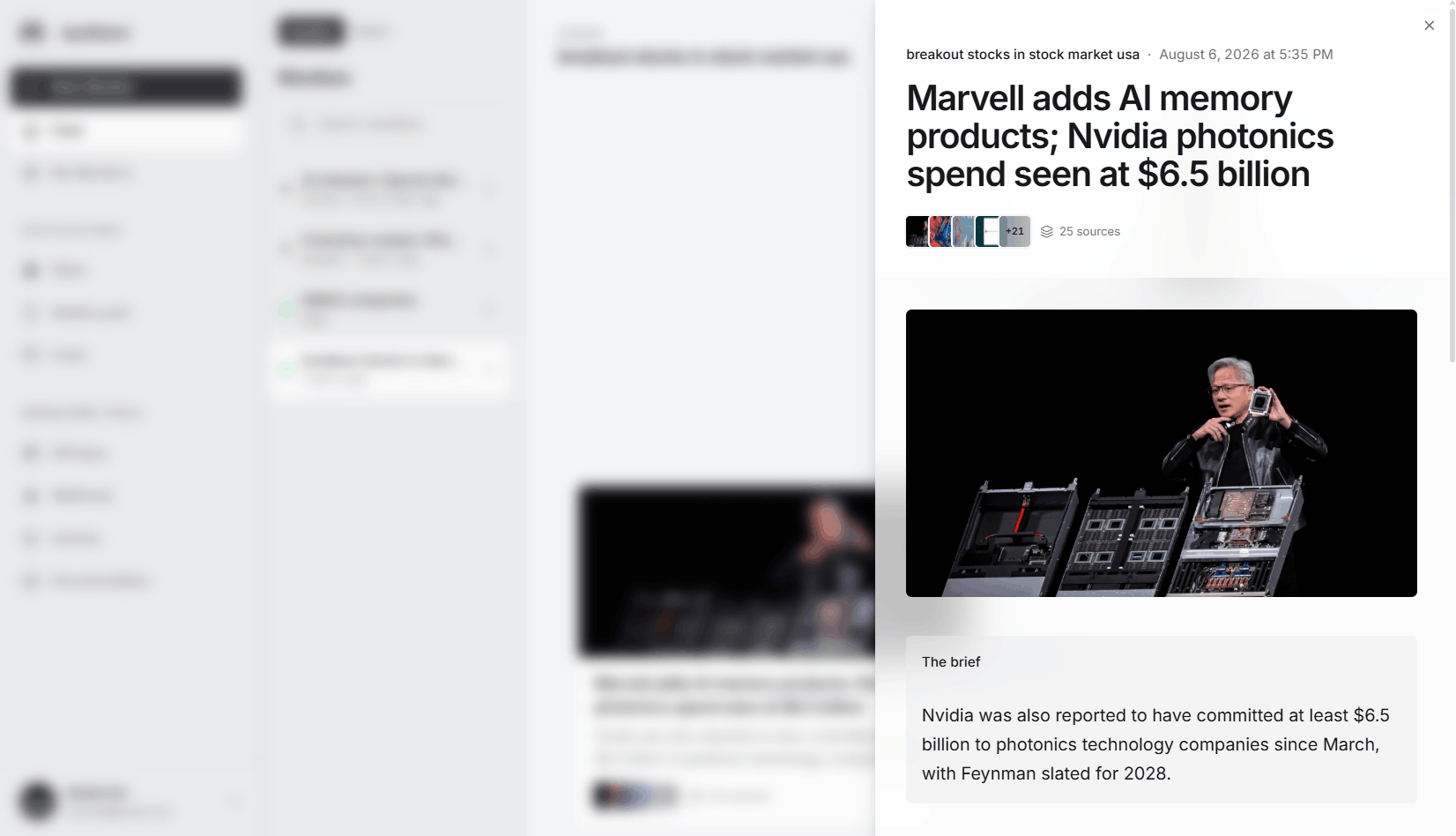
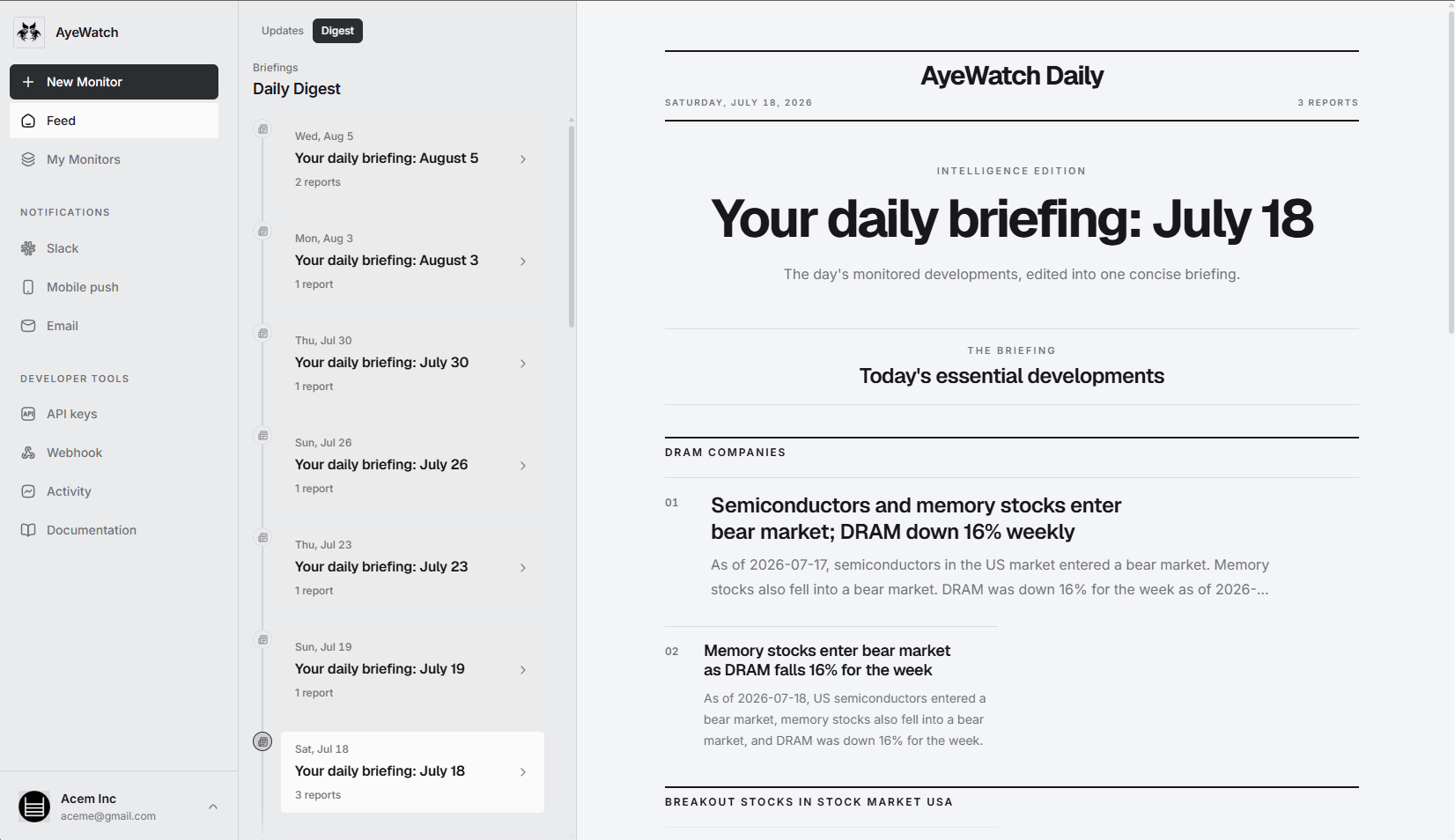
01 / 05Your update feed
Why automation builders use Ayewatch
- One webhook for every monitor: topic_id, topic_name, update_id, headline, content and created_at, signed with HMAC-SHA256.
- No scrapers or platform API keys to maintain: AyeWatch reads the page or the platform and sends only what's new, with a summary.
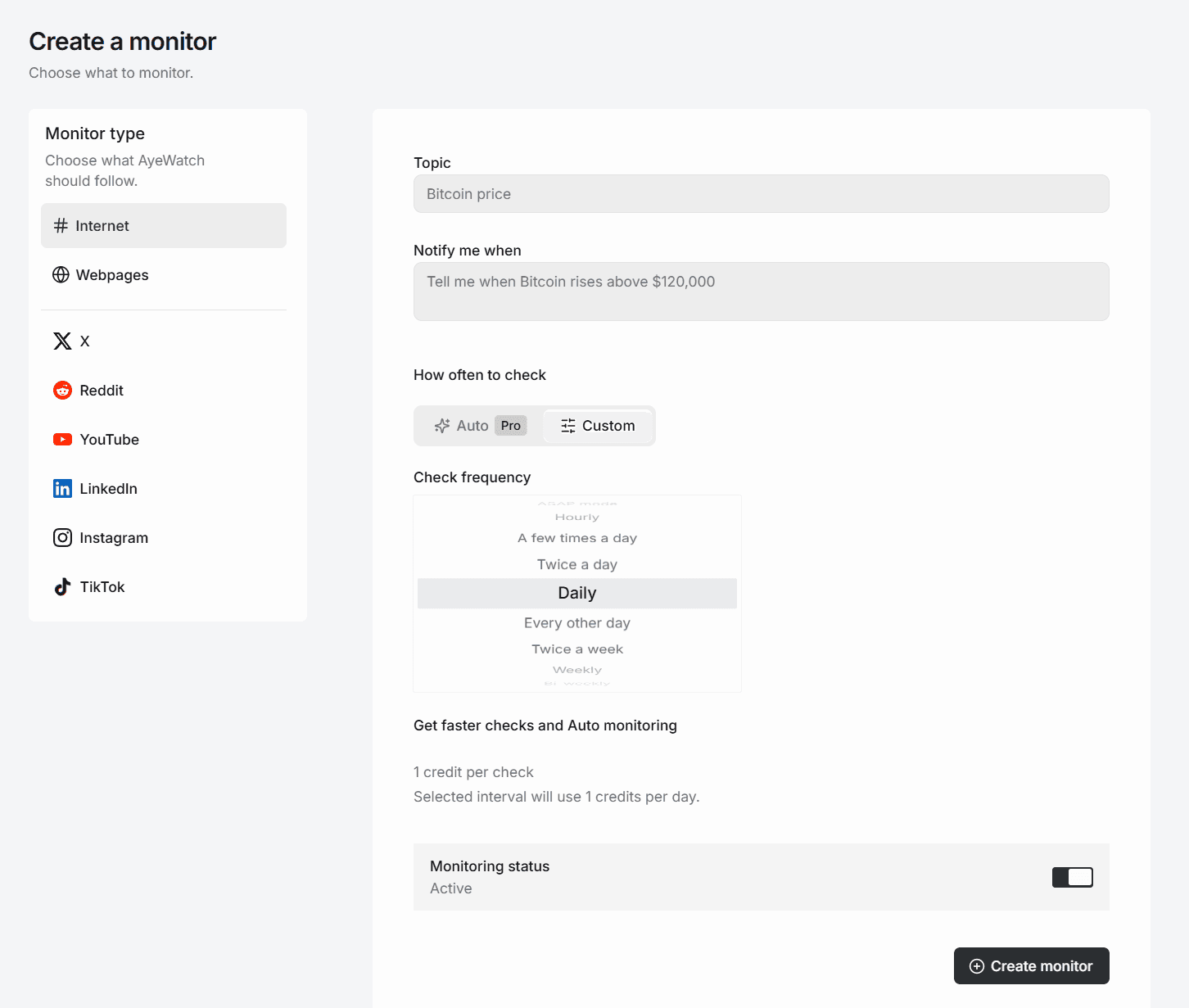
- Create, pause and delete monitors from the REST API, or let Claude, Cursor or another MCP client do it.
- Retries with backoff and a stable update_id make dedupe simple in any workflow.
Topics automation builders set up on day one
- A few times a day
Lead posts on X into HubSpot
An X search monitor with a filter, sent through n8n to create a contact and a task.
- Daily
Competitor pricing page into a Sheet
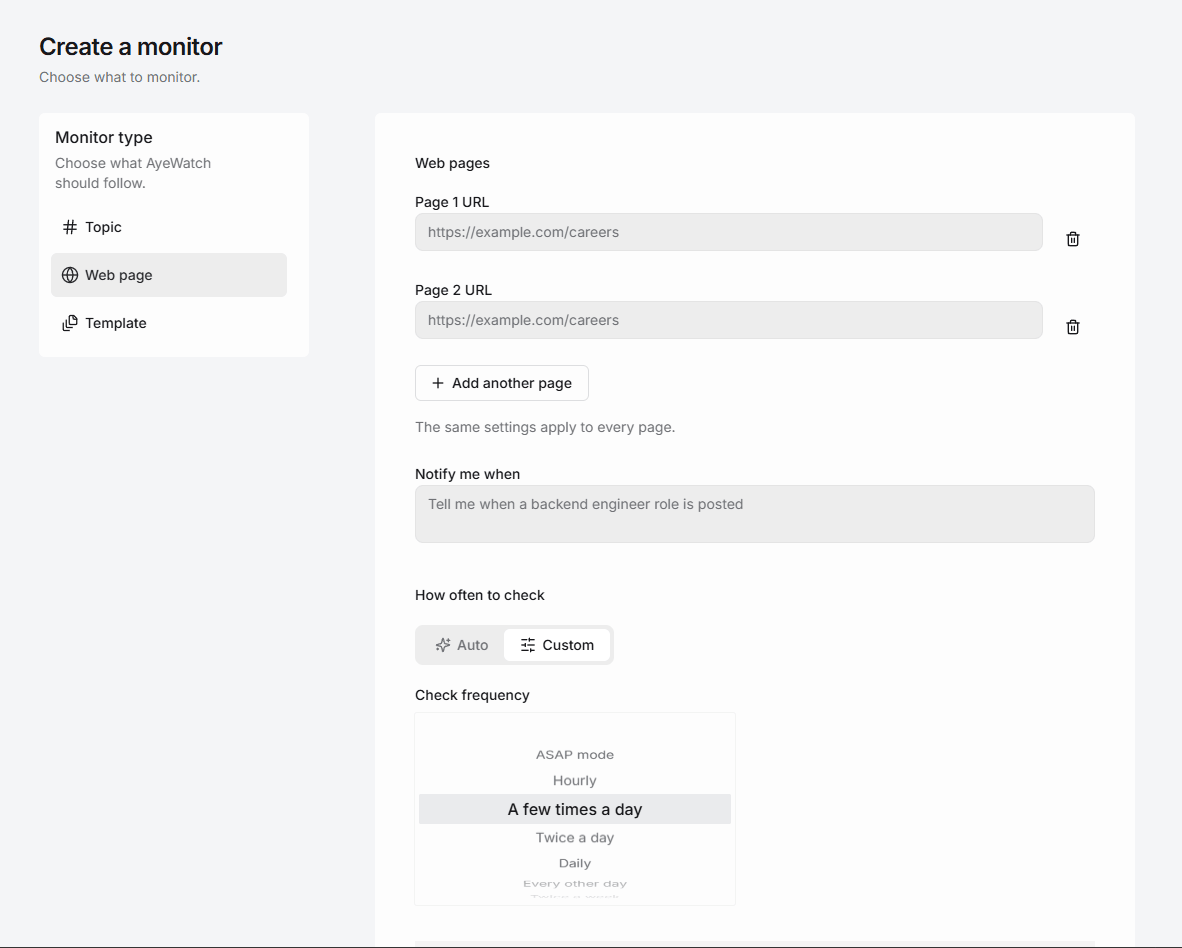
A web page monitor that logs each price change as a row through Make.
- Auto
Robotics news into an LLM digest
An internet topic monitor whose alerts n8n collects and summarizes each morning.
The automation builders workflow
- Create a webhook trigger in n8n, Make or Zapier and paste its URL into AyeWatch's webhook settings.
- Verify the X-AyeWatch-Signature header against the raw body, then dedupe on update_id.
- Route by topic_id to the right sheet, CRM or channel.
- Create monitors in bulk with the REST API, or from a chat with the MCP server.
FAQ
Does AyeWatch have an n8n, Make or Zapier app?
Not a dedicated app. You use each tool's webhook trigger (n8n's Webhook node, Make's Custom webhook, Webhooks by Zapier), which receives the same signed JSON from every monitor.
What is in the webhook payload?
topic_id, topic_name, update_id, headline, content, created_at and trigger. The X-AyeWatch-Signature header holds an HMAC-SHA256 of the raw body.
Can I create monitors from code?
Yes. POST /api/v1/topics with a Bearer API key creates a monitor. Keys, the webhook and MCP access come with paid plans, and the default limit is 120 requests a minute per key.
What happens if my workflow is down?
Timeouts and errors are retried with exponential backoff, up to 10 attempts, with the same update_id. A redirect is never followed and counts as a failed delivery, so give AyeWatch the final URL.