6 Best urlwatch Alternatives in 2026
The 6 best urlwatch alternatives in 2026 for page monitoring without a cron job: AyeWatch, changedetection.io, Distill, Visualping and more.
By AyeWatch Team8 min read

urlwatch is honest, scriptable software: list URLs in YAML, add filters, run it from cron, get a diff by email. People look for a urlwatch alternative when they tire of keeping the server and filters alive, or when HTML churn fills the inbox with diffs that do not matter.
Some want a UI; others want the change explained instead of a raw diff. Here are six options, from self-hosted to fully hosted.
Quick comparison: best urlwatch alternatives
| Product | Best for | Starting price | Key difference | Review |
|---|---|---|---|---|
| AyeWatch | Hosted page alerts without filters or cron | Free Preview, then $9/mo | Hosted, plain-English rules, summaries not diffs | Read |
| changedetection.io | Self-hosters who want open-source control | $8.99/mo hosted | Self-hosted with a UI, or hosted | Read |
| Distill | Element-level checks run from your browser | $15/mo | Free local checks with conditions | Read |
| Visualping | Simple visual page alerts for non-technical users | $14/mo ($10/mo billed annually) | Hosted visual and text alerts | Read |
| WebSite-Watcher | Windows users who prefer a one-time license | €49 one-time | Windows app with deep filtering | Read |
| PageCrawl.io | High check volumes at a modest price | $13.33/mo (billed annually) | Many pages per dollar, hosted | Read |
Starting prices are the lowest paid plan listed on each vendor's site, checked October 2026.
Best overall alternative
1. AyeWatch
AyeWatch is an AI internet monitor. Paste a URL, write what counts as a change in plain English, and AyeWatch runs the checks and sends a short summary when it happens. There is no config file, server or schedule to maintain.
Best for: Hosted page alerts without filters or cron.
- No hosting. Checks run hourly on Pro and in ASAP mode on Pro+.
- Rules that survive redesigns. A plain-English rule does not break when class names change, unlike a CSS filter.
- Summaries, not unified diffs. Each alert says what changed in a sentence or two.
- HMAC-signed webhooks and a REST API on paid plans, so your own scripts can act on alerts.
Pricing: Free Preview with no card. Pro is $9/mo with hourly monitoring. Pro+ is $19/mo and unlocks ASAP mode.
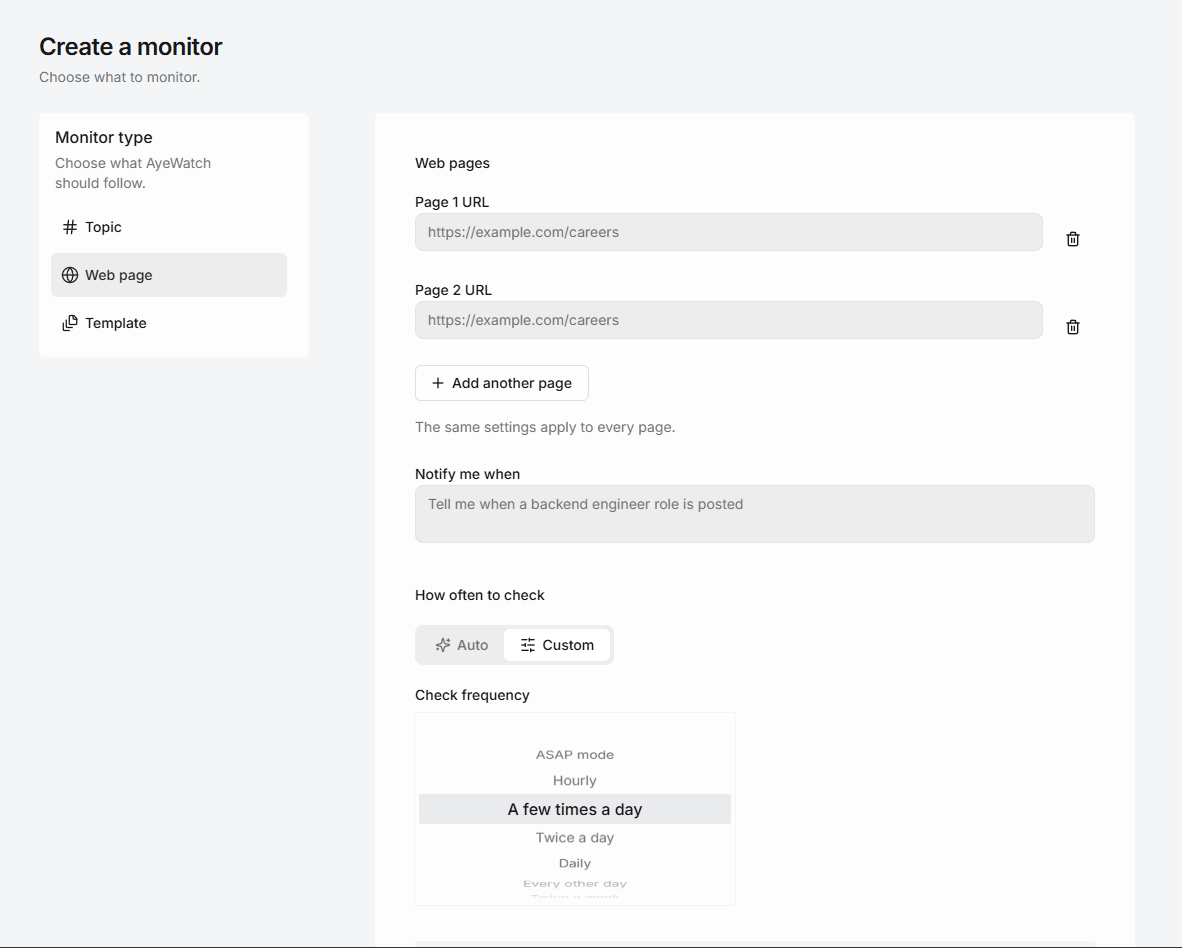
Try AyeWatch as your urlwatch alternative
Describe a topic, paste a URL or monitor social media. Free Preview, no card.
Start free →Why teams choose AyeWatch
- Nothing to keep alive. No VPS, cron entry or Python environment.
- Fewer noisy diffs. Changes are compared by meaning, so timestamps and rotating markup do not count.
- Topics as well as URLs. An Internet monitor covers stories on sites you never listed in the config.
Monitor: "Release notes at https://example.com/changelog"
Rule: "Alert me when a release mentions breaking changes, deprecations or a new API version. Ignore typo fixes."
AyeWatch vs urlwatch
| Feature | AyeWatch | urlwatch |
|---|---|---|
| Starting price | Free Preview, then $9/mo | Free |
| Hosting | Hosted | You host and schedule it |
| Configuration | Plain-English rule | YAML with filters |
| Alert content | Short summary of the change | Diff report |
| Scripting | Webhooks and REST API on paid plans | Fully scriptable |
| Topics beyond listed URLs | Yes | No |
| Source code | Closed | Open source (BSD) |
When urlwatch is still the better pick: If you want your monitoring config in git, running on hardware you control, with filters you can script, urlwatch is the better tool. It is free and open source; AyeWatch is a hosted service.
Best open-source option
2. changedetection.io
changedetection.io is an open-source page change detector you can host yourself, or rent hosted with a real Chrome browser. It supports CSS and XPath targeting and browser steps for logins.
Best for: Self-hosters who want open-source control.
Strengths
- Free and open source to self-host
- Browser steps for logins and clicks
- 85+ notification channels
Weaknesses
- Self-hosting means you maintain it
- Text and selector rules, not meaning
- Utilitarian interface
Pricing: $8.99/mo hosted (Free to self-host).
Pick it if you want full control, or a cheap hosted option.
Best free alternative
3. Distill
Distill monitors pages from a browser extension or its cloud, with condition-based alerts on the page elements you select.
Best for: Element-level checks run from your browser.
Strengths
- Generous free plan
- Fine-grained element selection and conditions
- Local checks are free
Weaknesses
- Local monitors need your browser open
- Free cloud checks run every 6 hours
- Setup is more technical than most
Pricing: $15/mo (Free plan (25 monitors)).
Pick it if you want element-level conditions and cheap local checks.
4. Visualping
Visualping checks pages on a schedule and alerts you to visual, text or element changes, with AI change summaries.
Best for: Simple visual page alerts for non-technical users.
Strengths
- Free plan includes AI summaries
- Visual, text and element comparison
- Slack, Teams and Sheets integrations
Weaknesses
- Check-based pricing climbs quickly with volume
- Free plan checks hourly at best
- Slack and Teams need Business plans
Pricing: $14/mo ($10/mo billed annually) (Free plan (5 pages)).
Pick it if you want a polished, mainstream tool with visual diffs and a usable free tier.
Best one-time license
5. WebSite-Watcher
WebSite-Watcher is a Windows desktop app that monitors web pages, RSS feeds and more, with deep filtering and scripting.
Best for: Windows users who prefer a one-time license.
Strengths
- One-time license, no subscription
- Deep local filtering and scripting
- Free edition available
Weaknesses
- Windows only, and your PC must be running
- Business use needs a €299 license
- Updates after year one cost extra
Pricing: €49 one-time (Free edition).
Pick it if you want a local Windows app with a one-time payment.
6. PageCrawl.io
PageCrawl.io monitors pages for text, visual and price changes, with high monthly check limits on its paid plans.
Best for: High check volumes at a modest price.
Strengths
- High check limits for the price
- Free-forever plan
- Long change history
Weaknesses
- No JavaScript rendering on the free plan
- No refunds
- Rules are selector and text based
Pricing: $13.33/mo (billed annually) (Free plan (6 pages)).
Pick it if you need many pages checked often on a modest budget.
FAQ
What is the best urlwatch alternative?
For hosted alerts without filters or cron, AyeWatch. For a self-hosted tool with a UI, changedetection.io. For cheap local checks, Distill.
Is there a free urlwatch alternative?
Yes. changedetection.io is free to self-host, Distill runs free checks in your browser, and AyeWatch has a Free Preview with no card. urlwatch itself is free too; the cost is your time and server.
Can I still use scripts with AyeWatch?
Yes, on paid plans. AyeWatch sends HMAC-signed webhooks and has a REST API, so your own scripts can act on alerts. It does not run your scripts for you.
How do I switch from urlwatch to AyeWatch?
Go through your urls.yaml, paste each URL into a webpage monitor, and translate each filter into a plain-English rule such as 'only the version number in the header'.
Which tool is right for you?
- You want the alert without running the server: AyeWatch.
- You want self-hosting with a UI: changedetection.io.
- You want free checks from your browser: Distill.
- You prefer a Windows app with a one-time fee: WebSite-Watcher.
- You need many pages checked on a budget: PageCrawl.io.
Monitor what matters without the noise
Set up your first monitor in under a minute. Free Preview, no card.
Get started today →